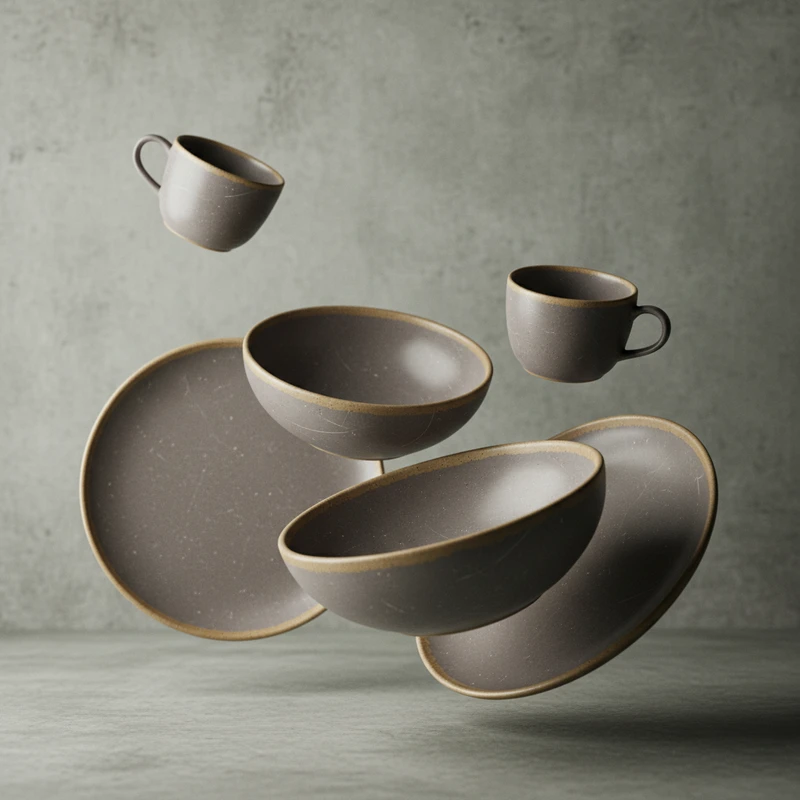
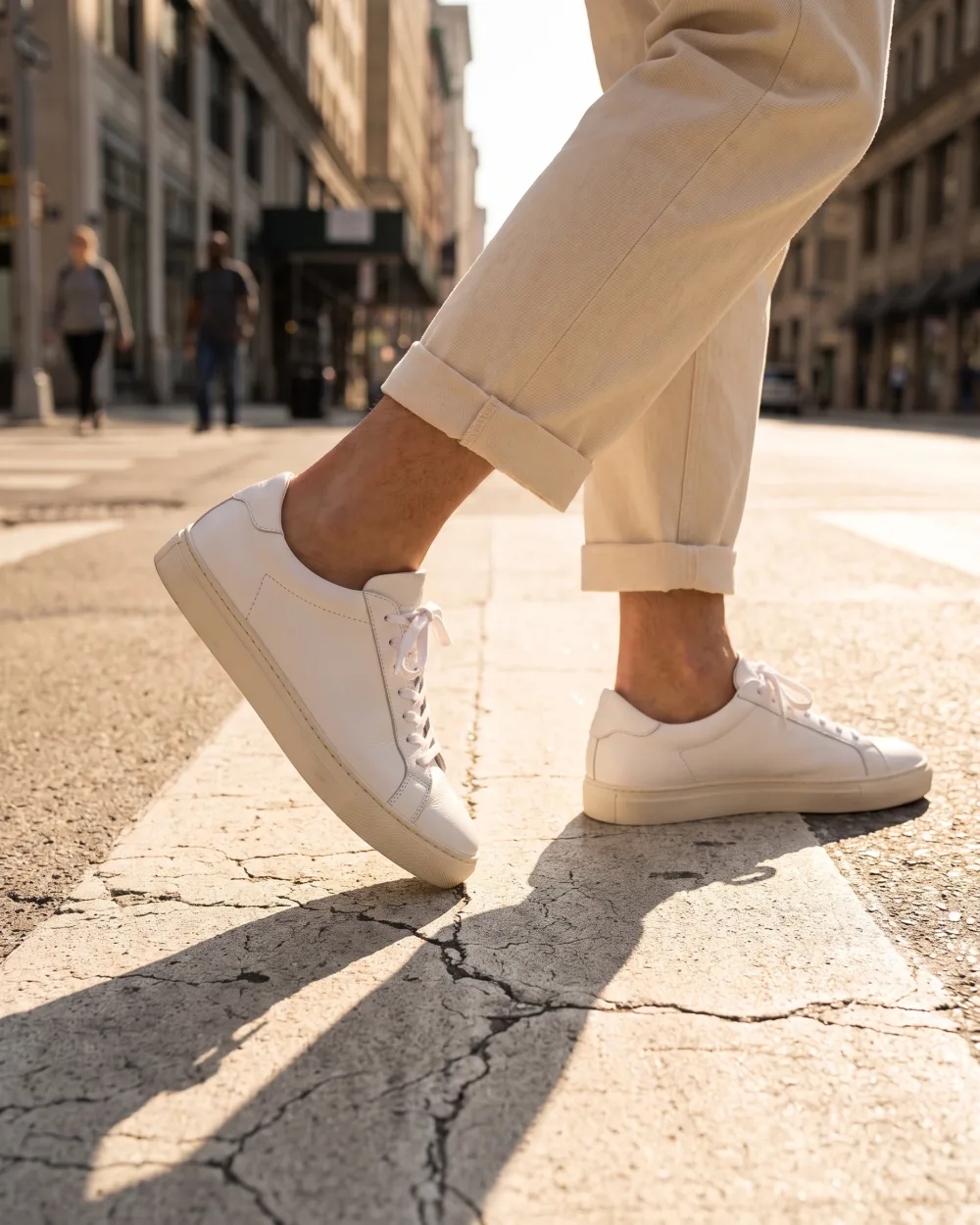
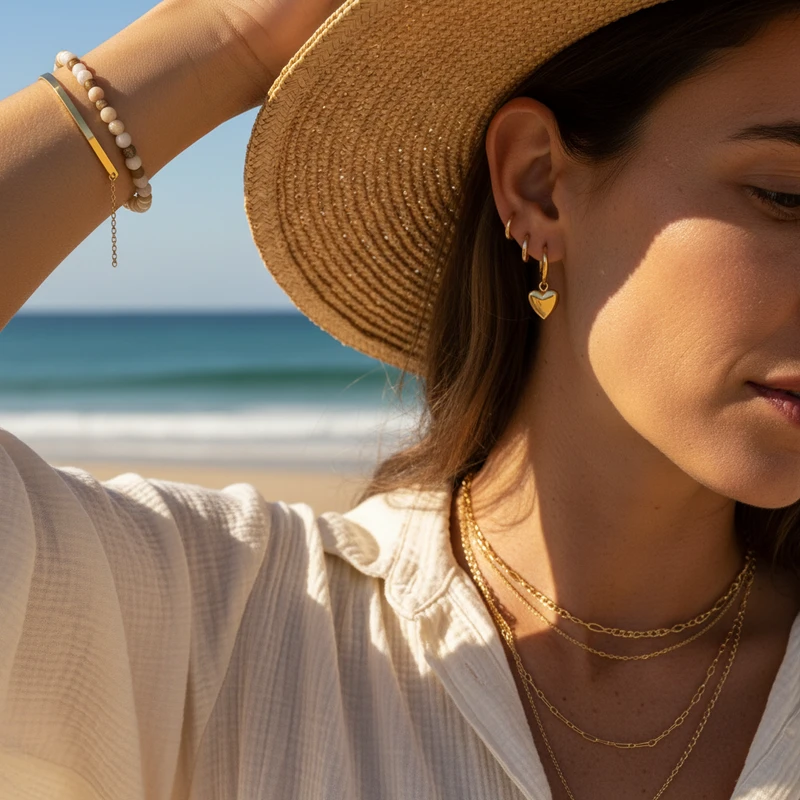
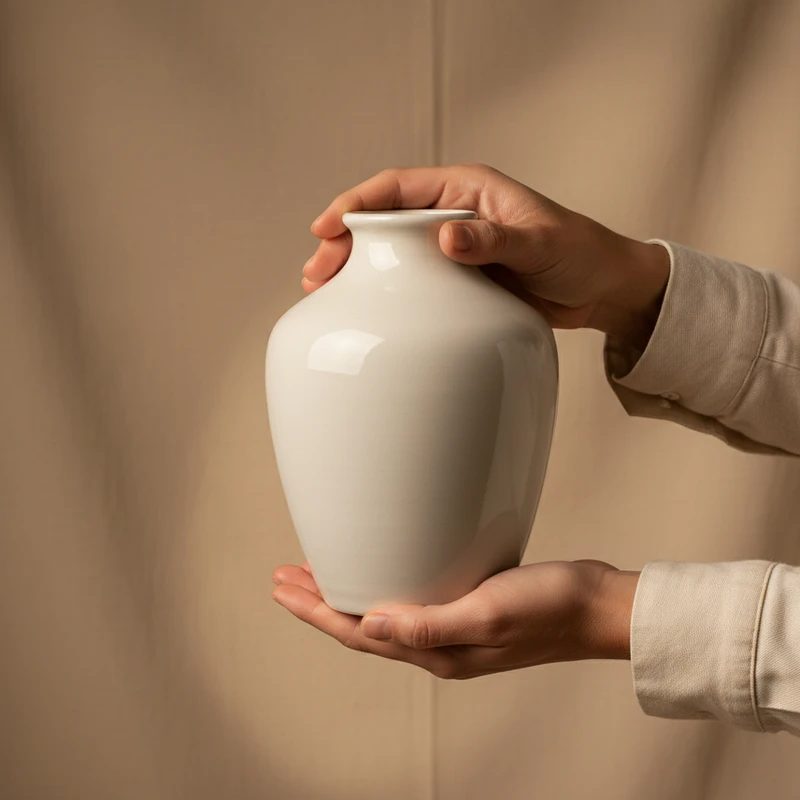
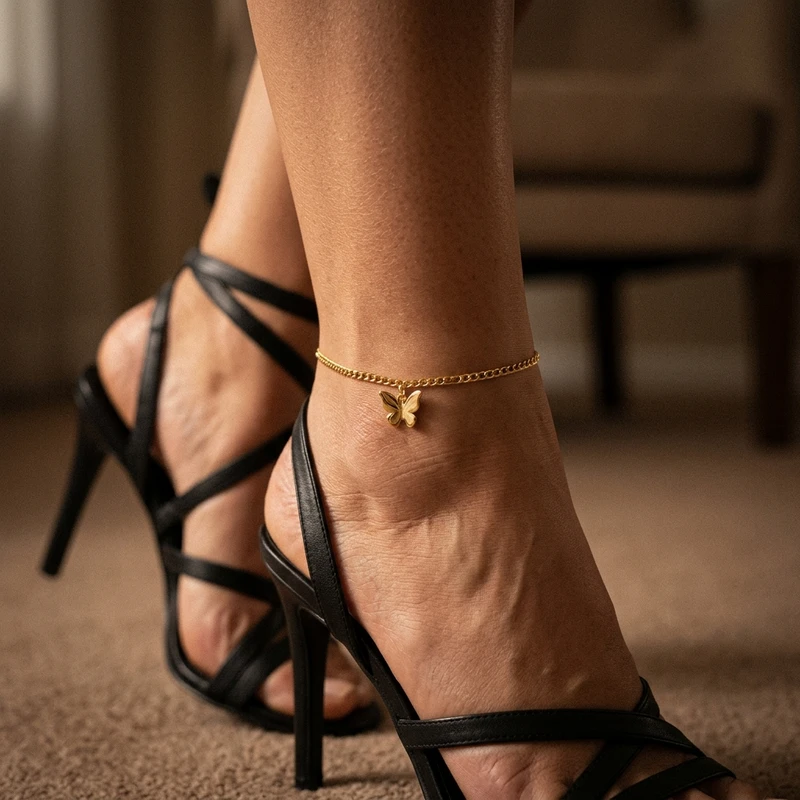
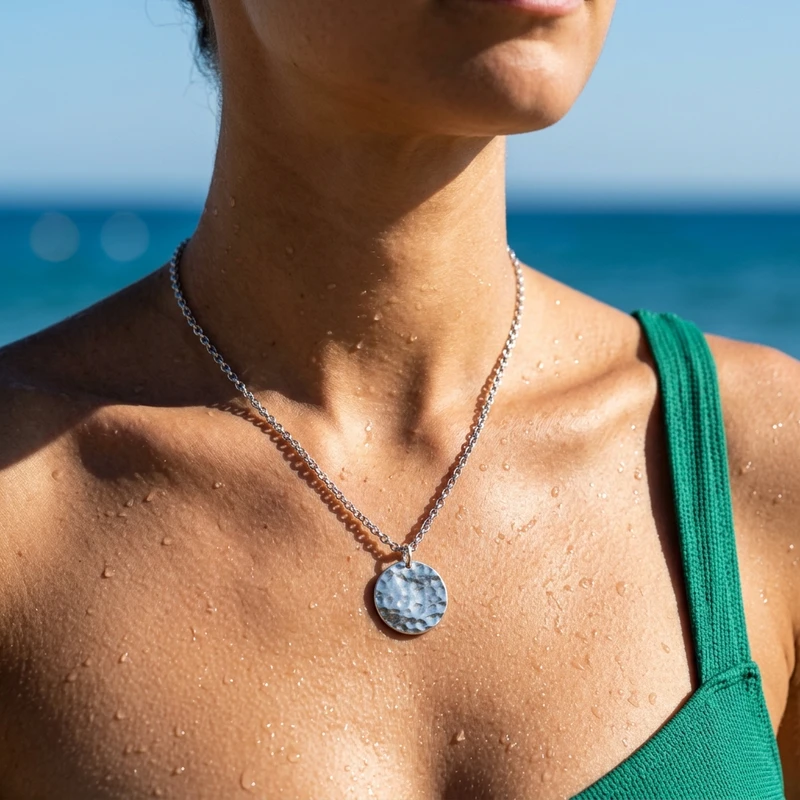
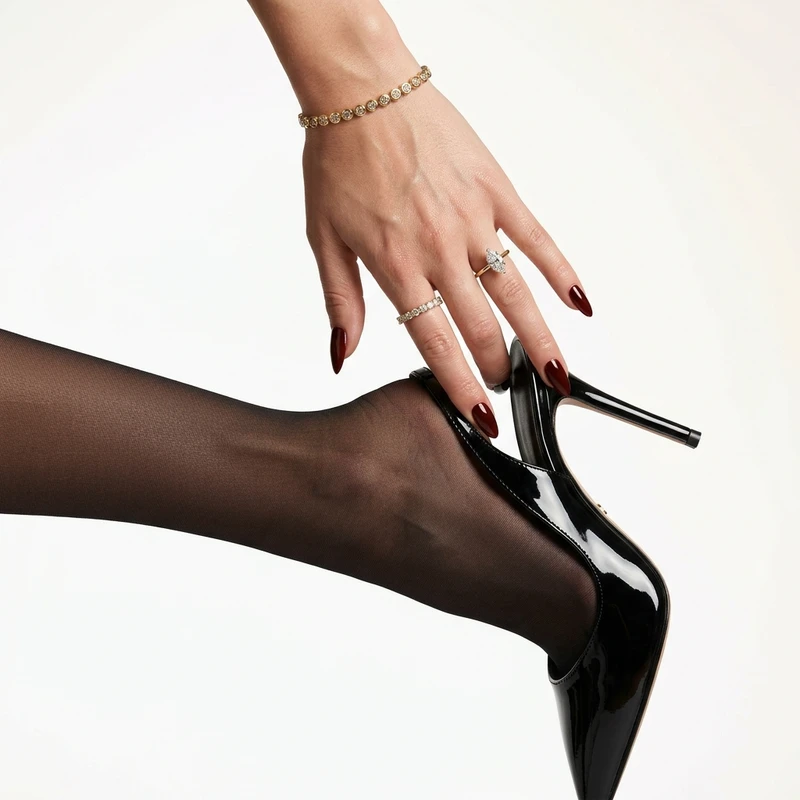
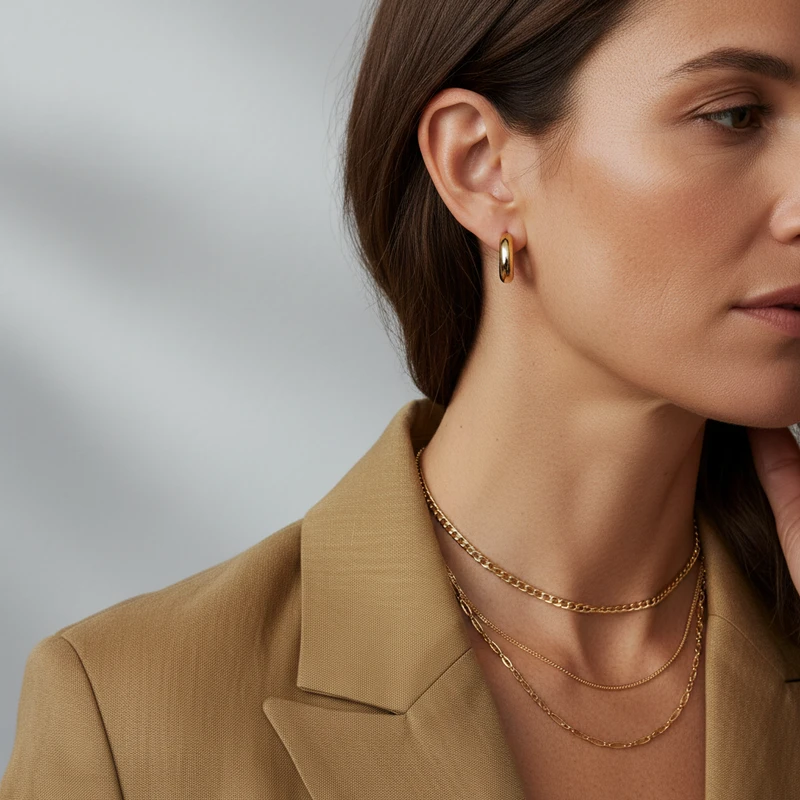
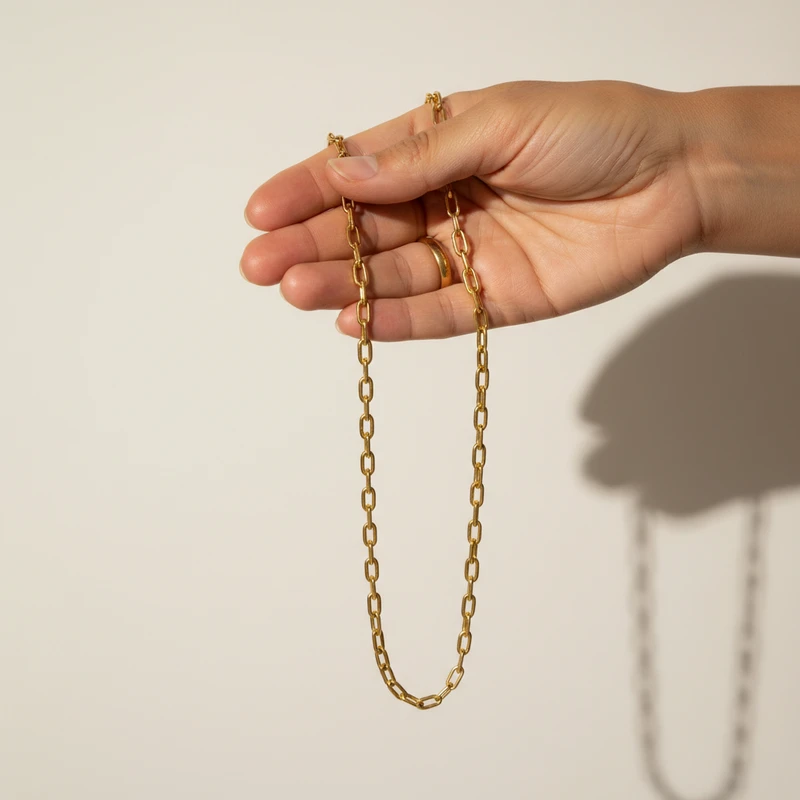
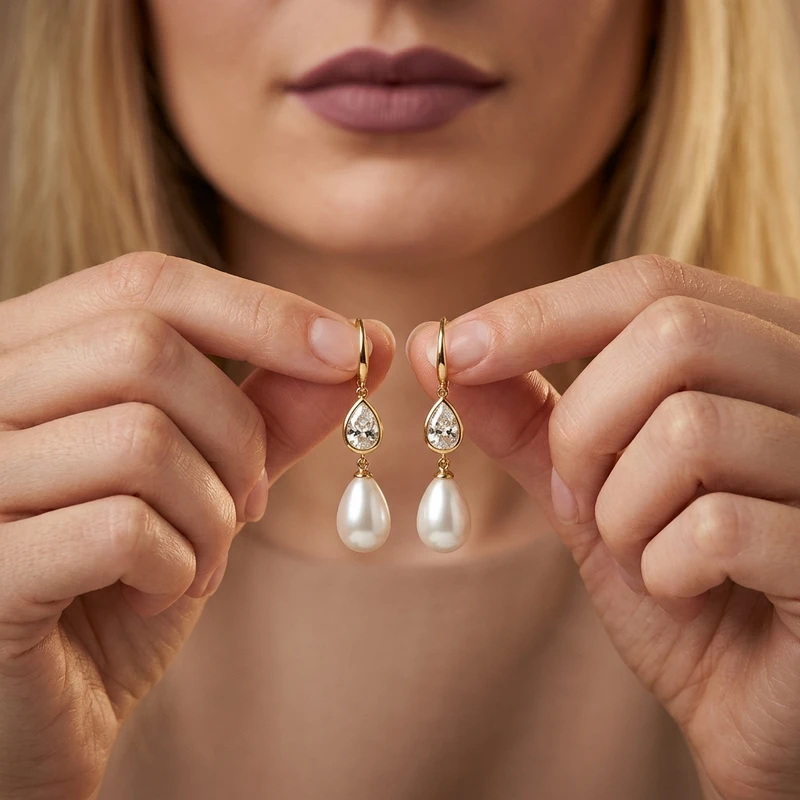
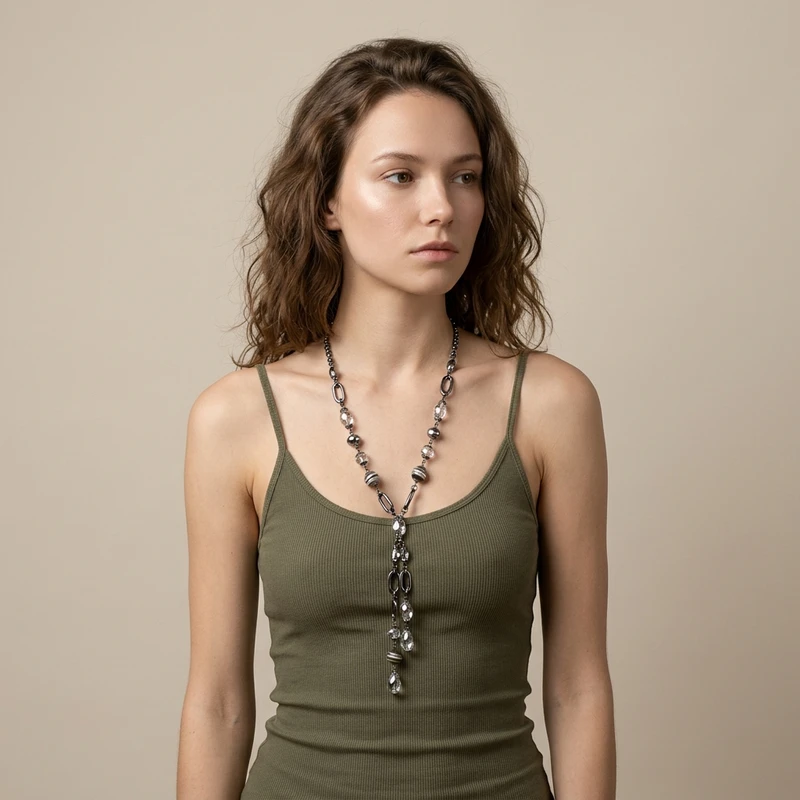
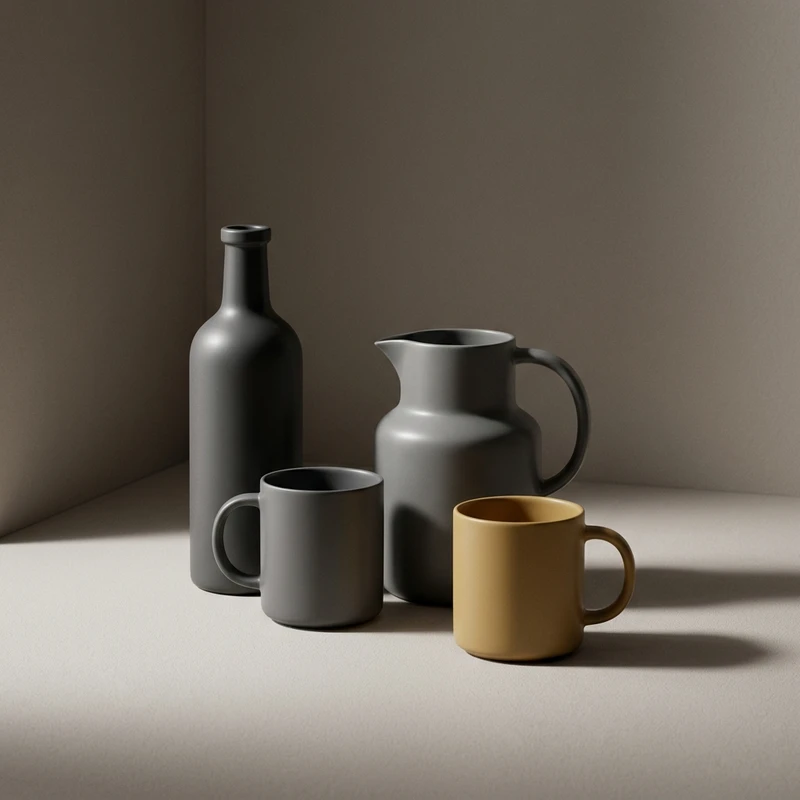
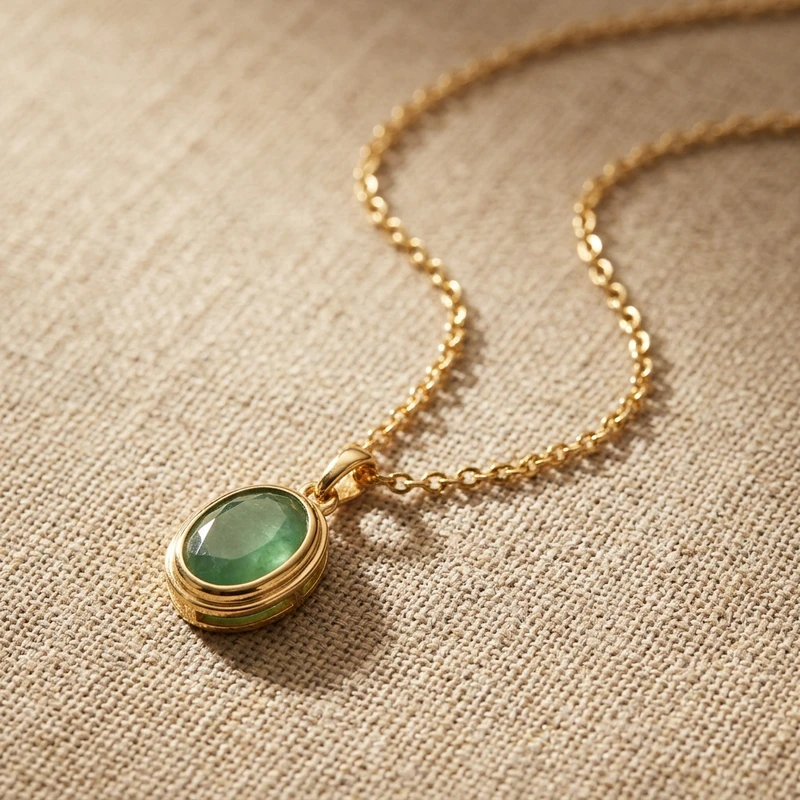
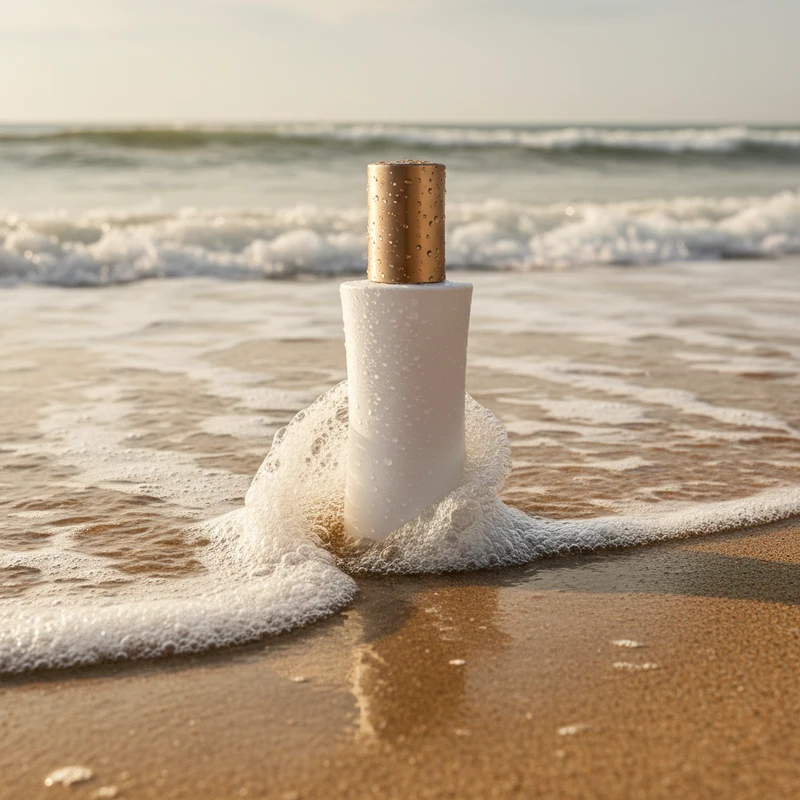
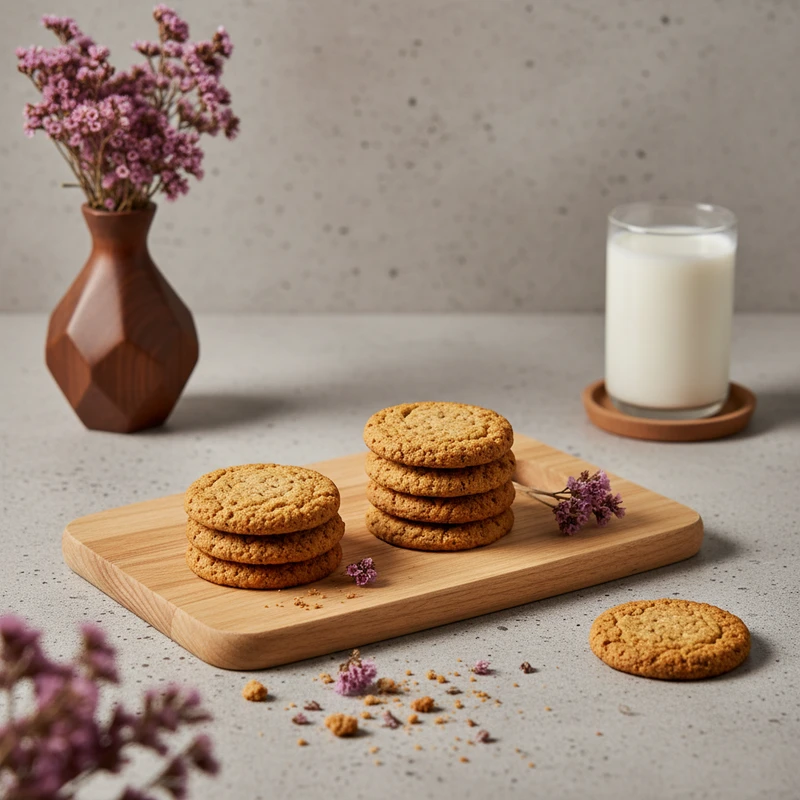
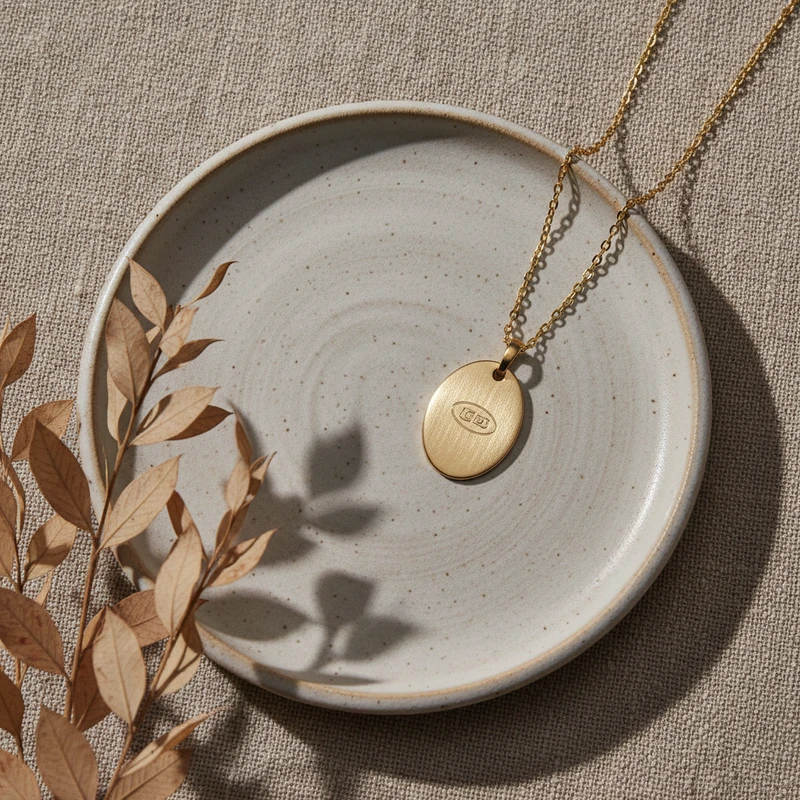
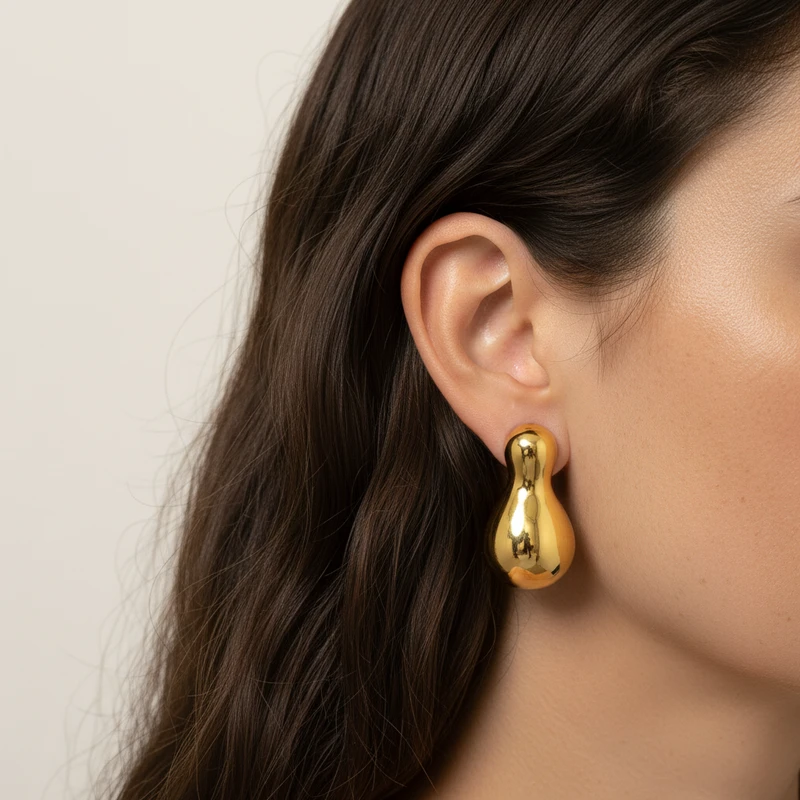
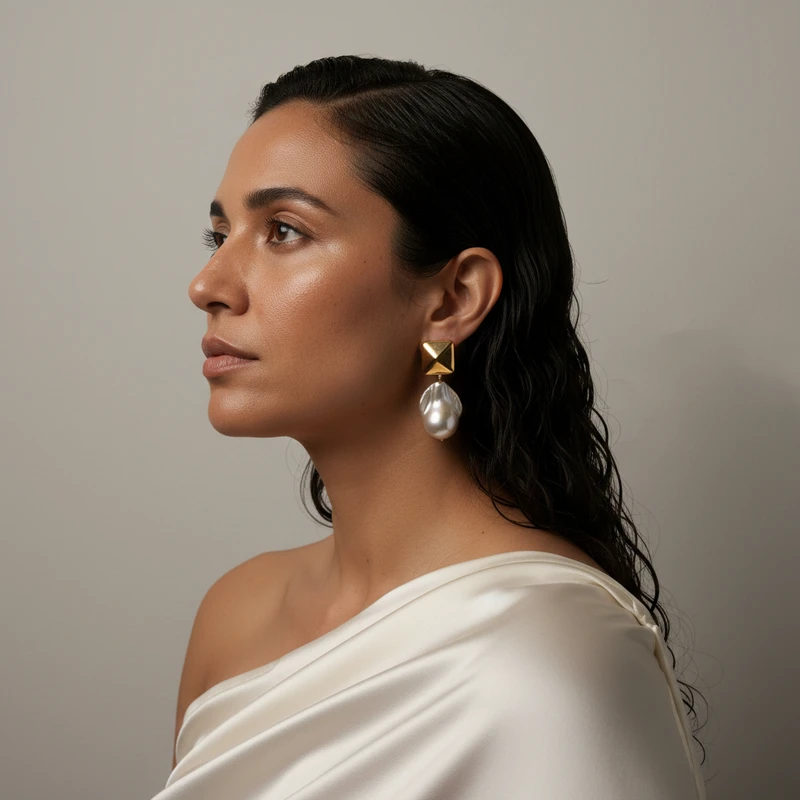
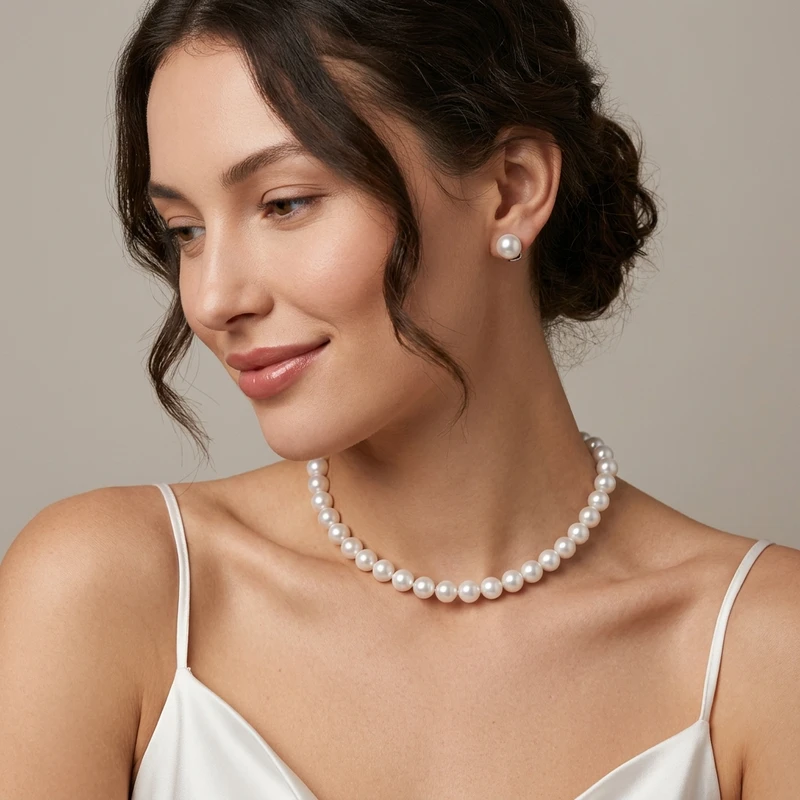
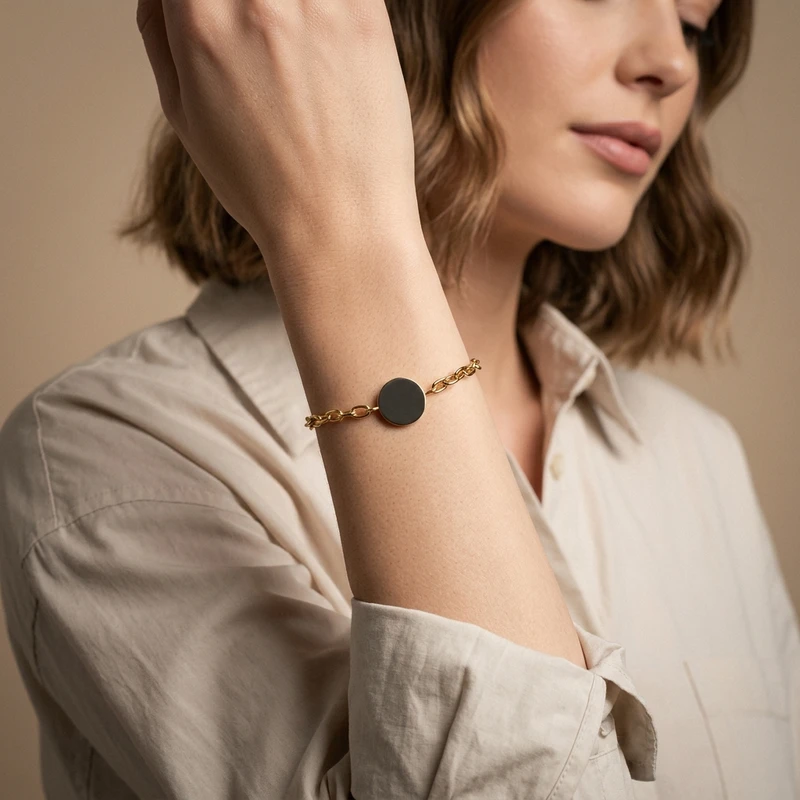
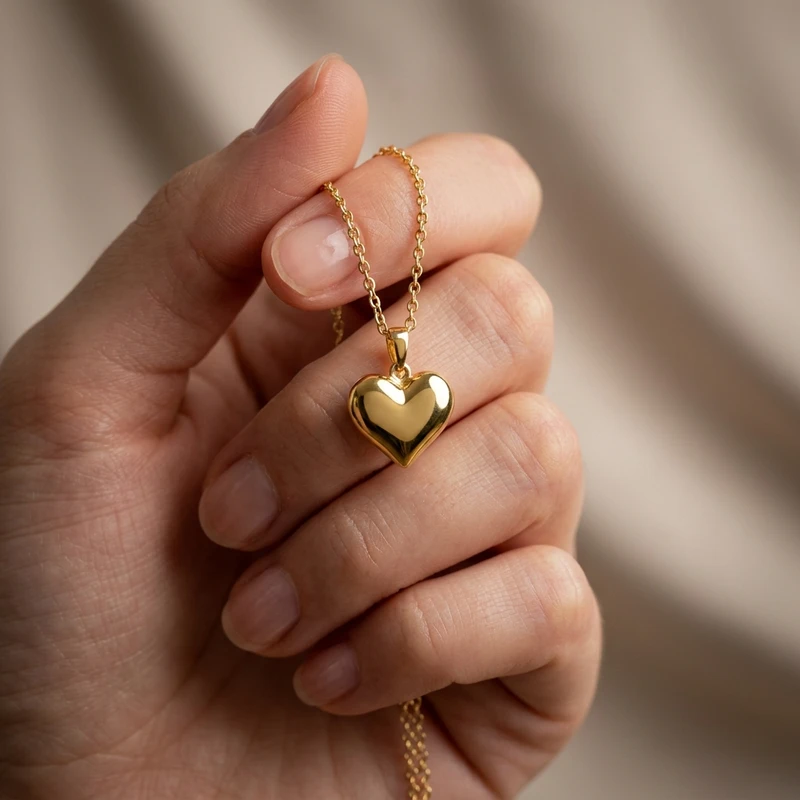
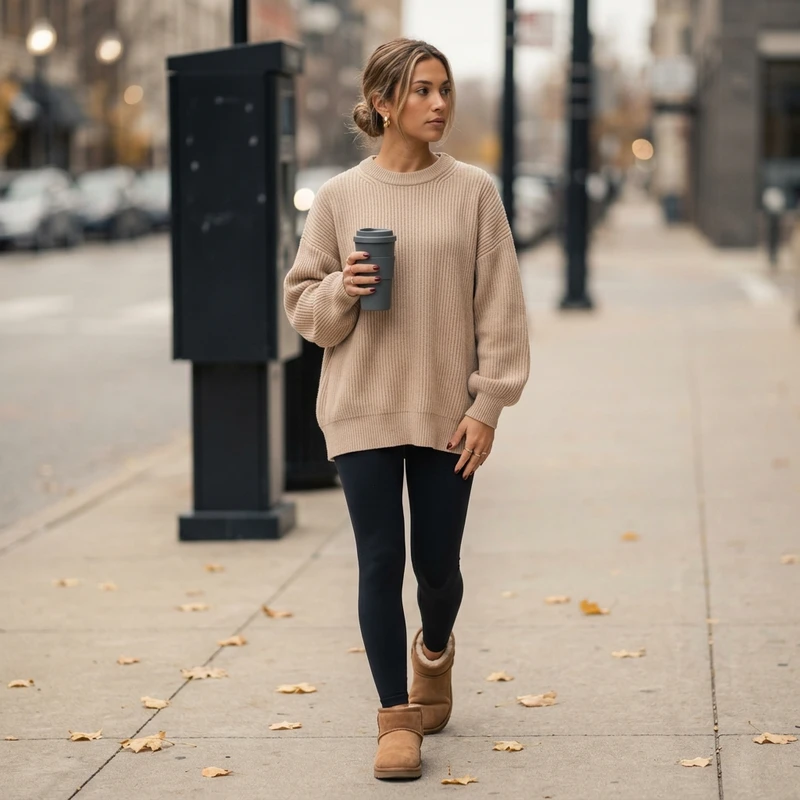
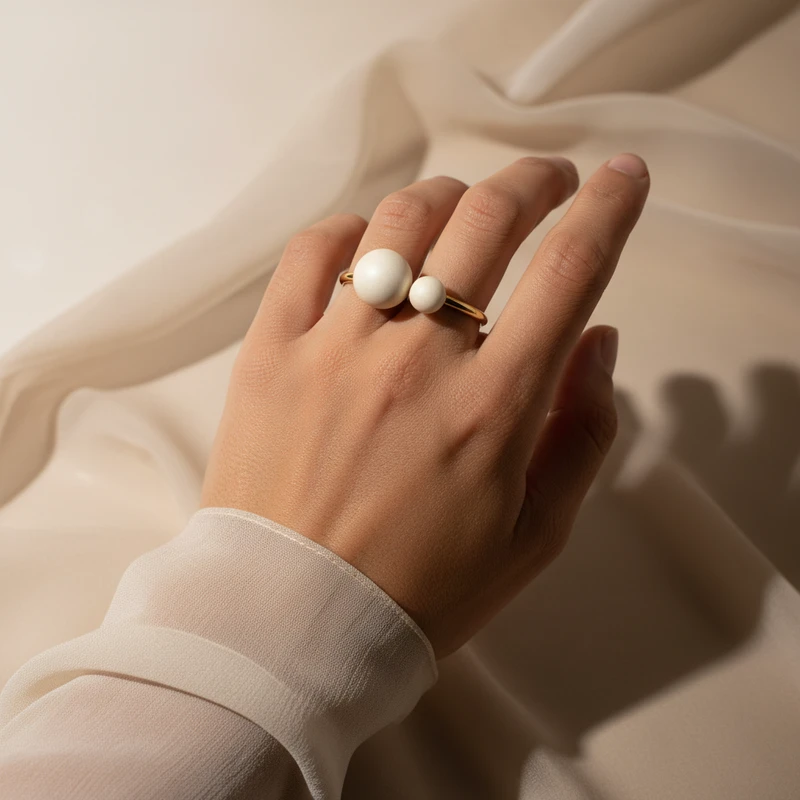
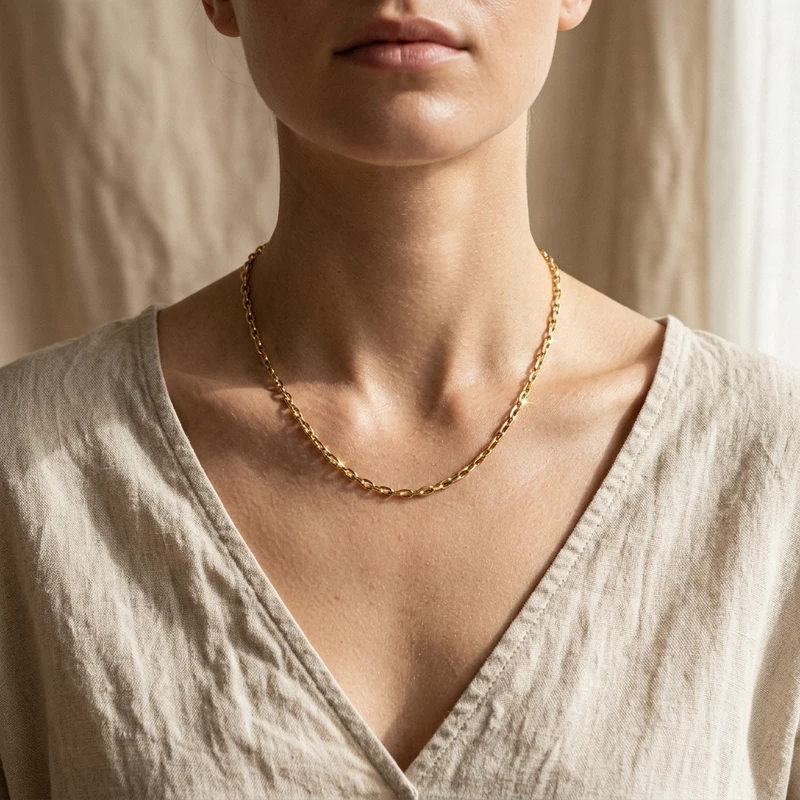
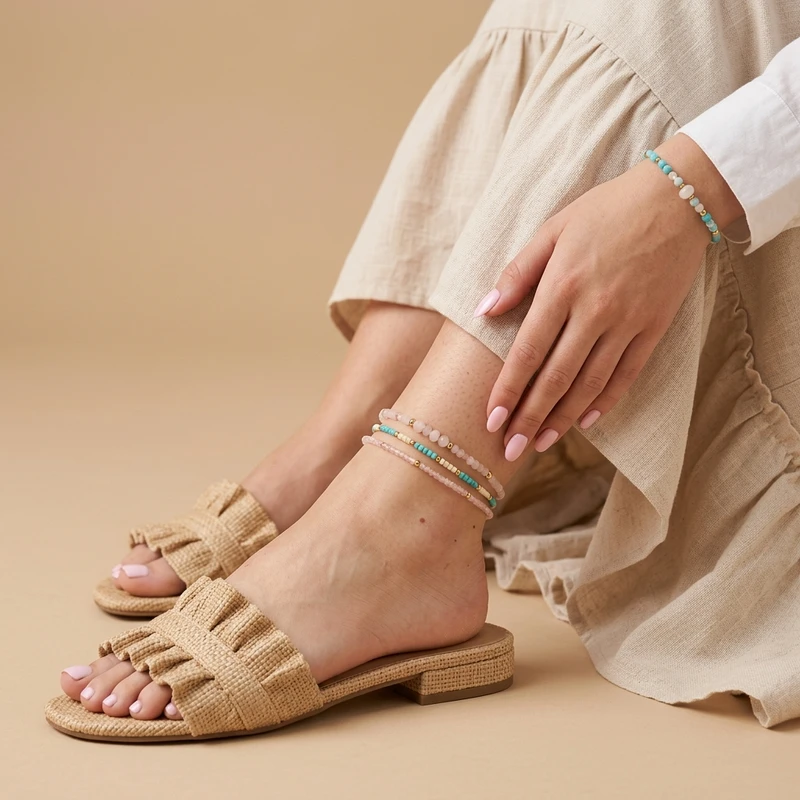
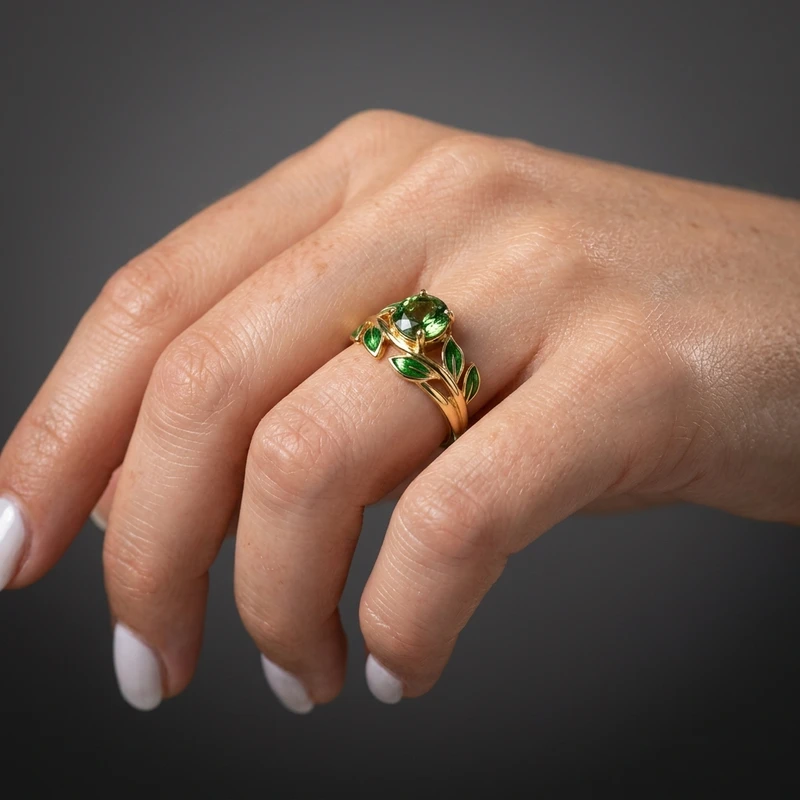
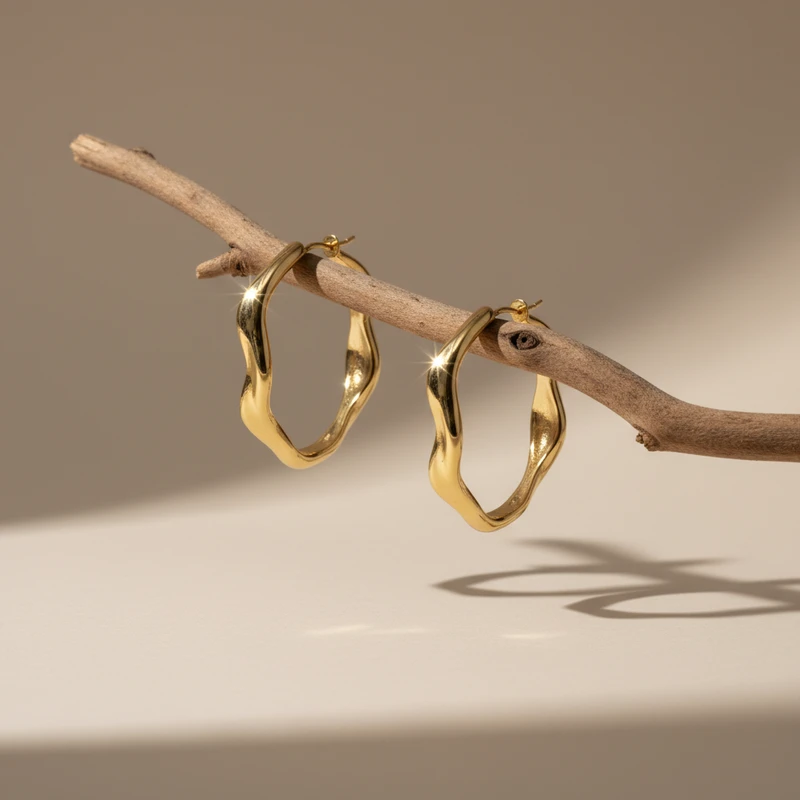
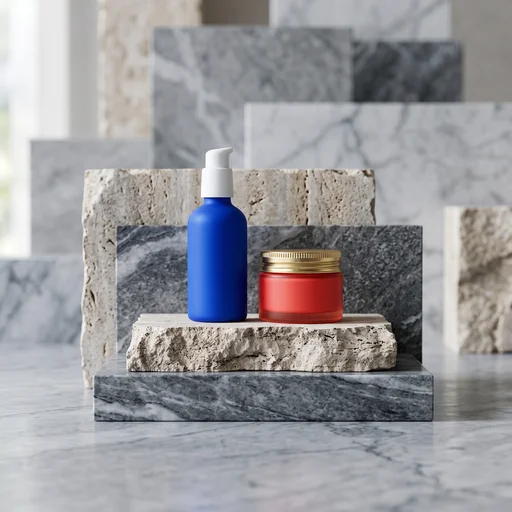
🌟 90,000+ product photos generated

Lume Pics

The #1 AI Product Photo App for E-commerce

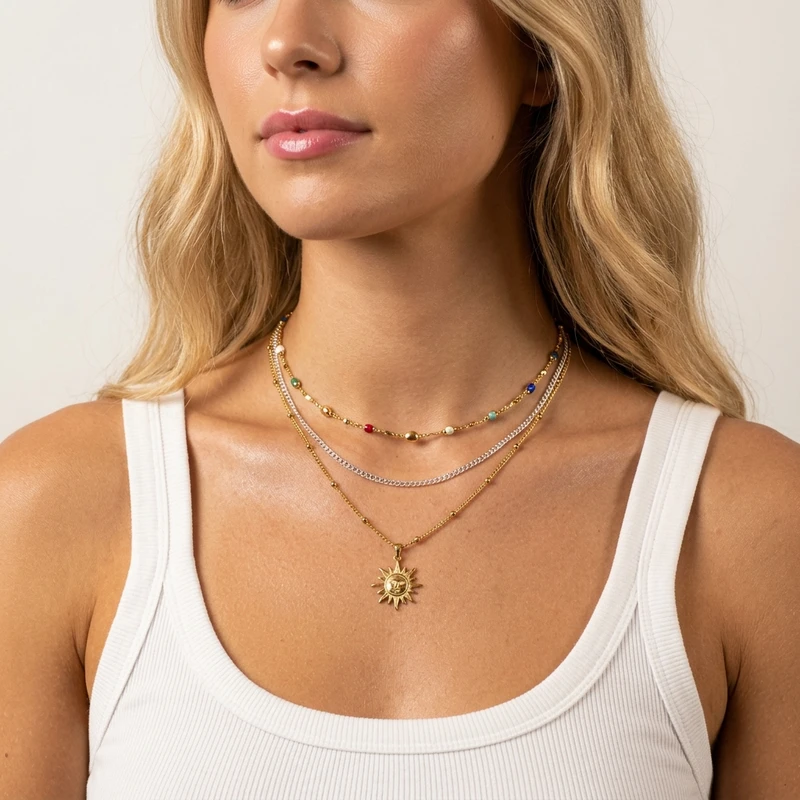
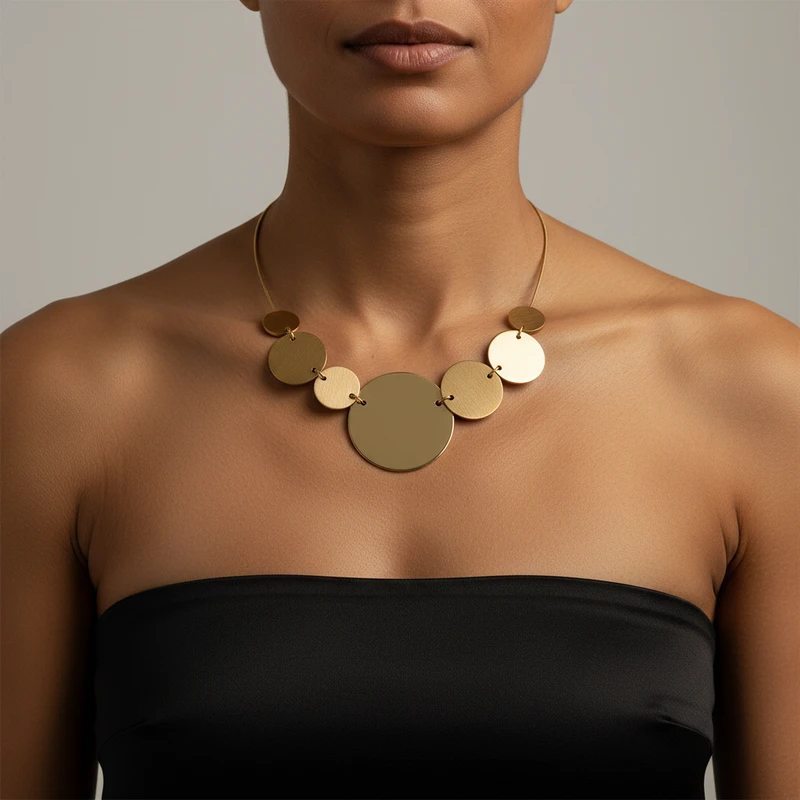
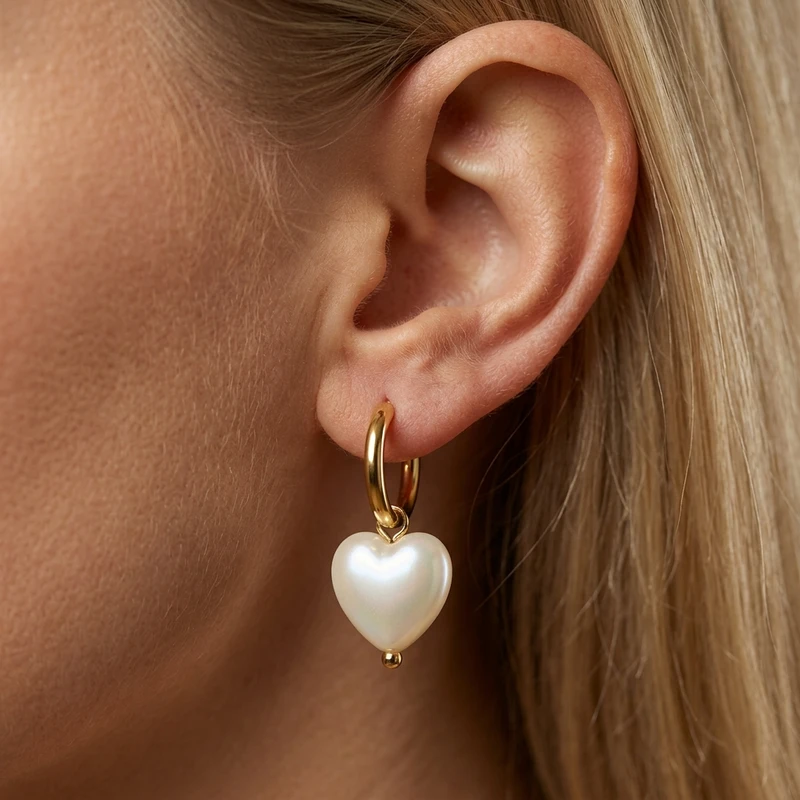
Turn any product photo into an ultra realistic, studio-quality image in minutes, not days. Trusted by jewelry, skincare, food, fashion, and home brands. 4,000+ templates.

🎁 3 free photos no card

By continuing, you agree to Lume's Terms of Service and Privacy Policy.

⭐ 4.8/5 from sellers first photo in about a minute

No studio hire, no props, no reshoots, no waiting a week for edits. Upload the photo you already have, pick the look, and your listing photo is done before your coffee is.

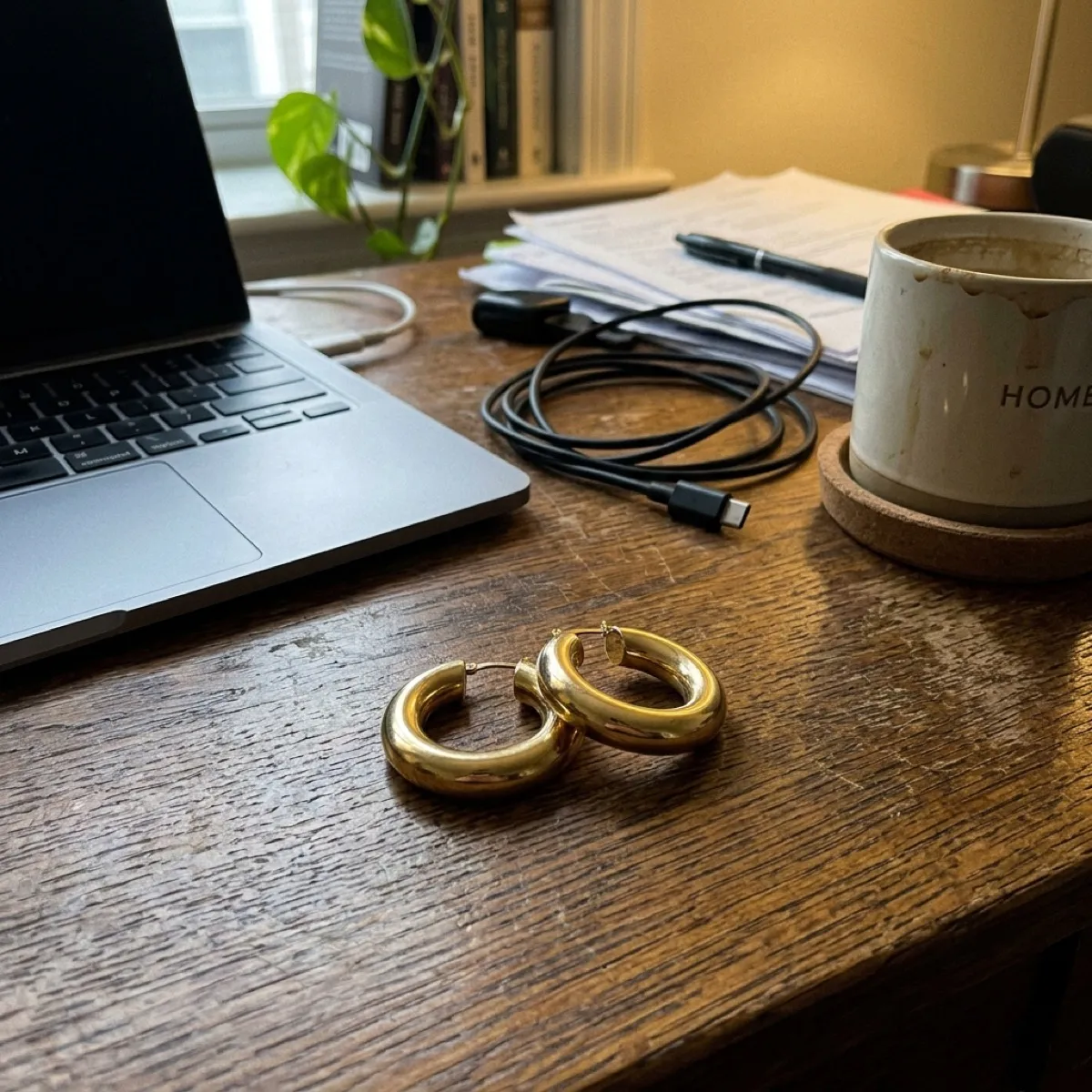
Before Phone snapshot of a pair of gold hoop earrings on a cluttered desk
The photo you have phone, desk, 6 pm
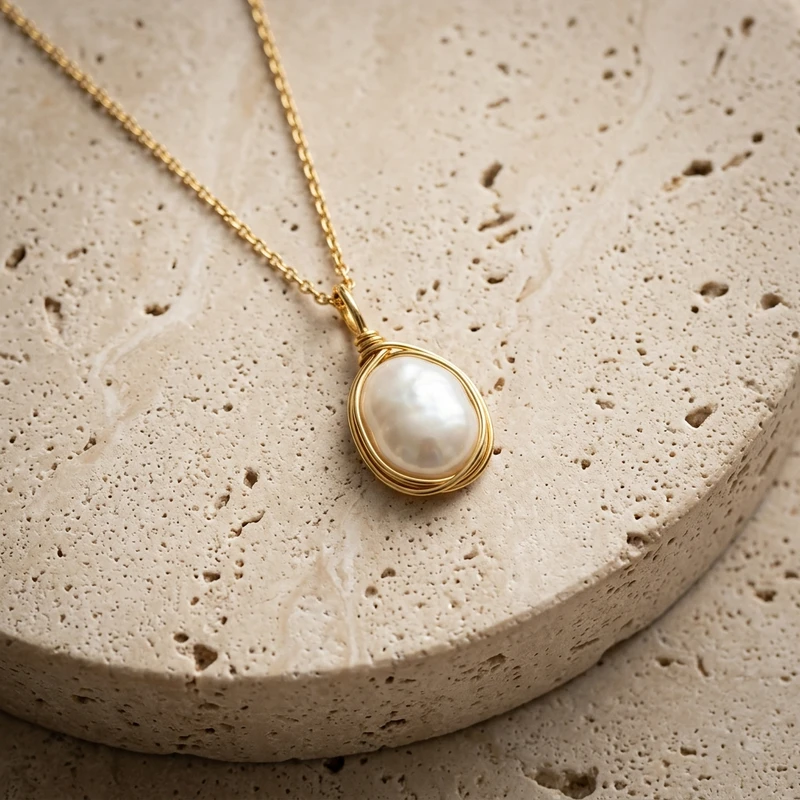
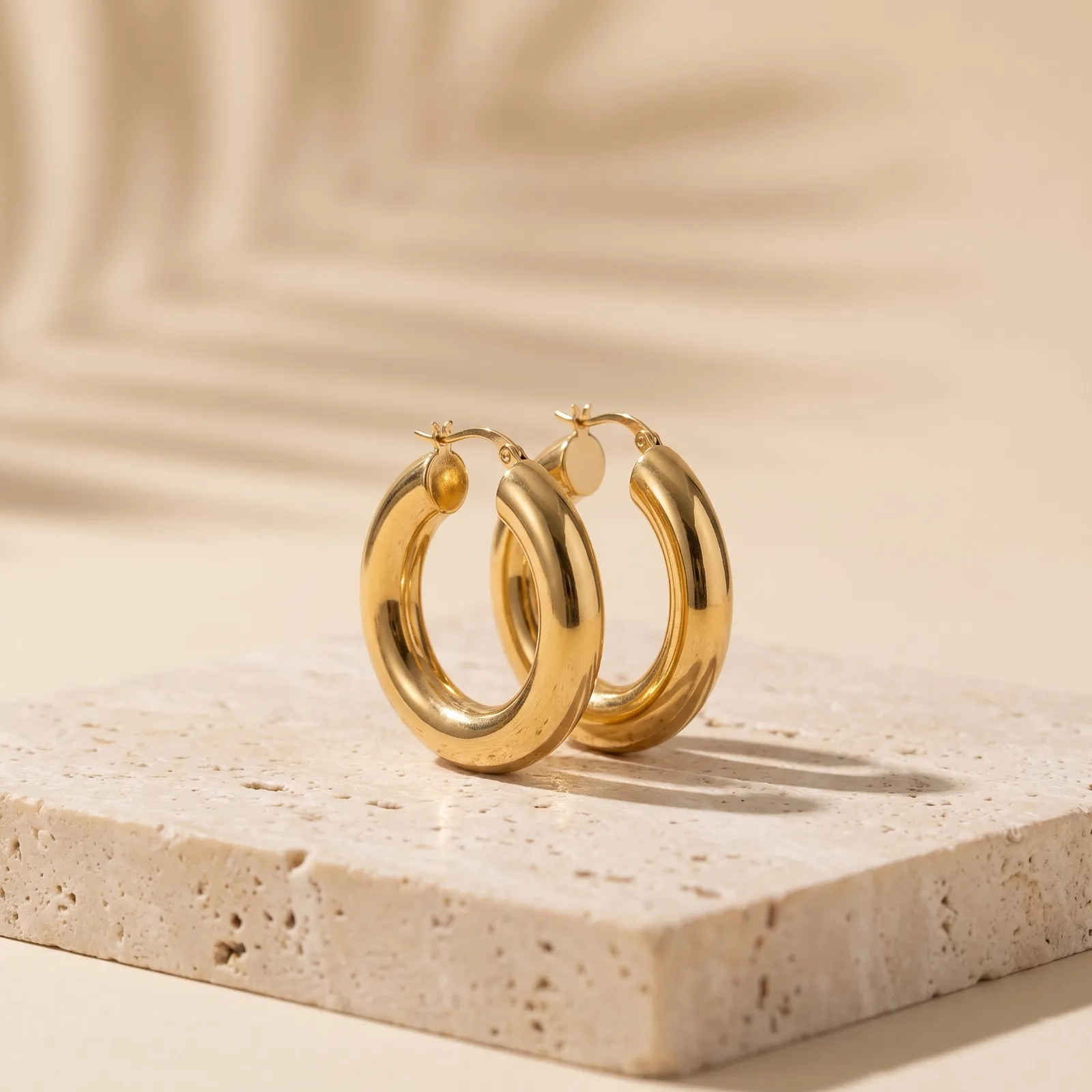
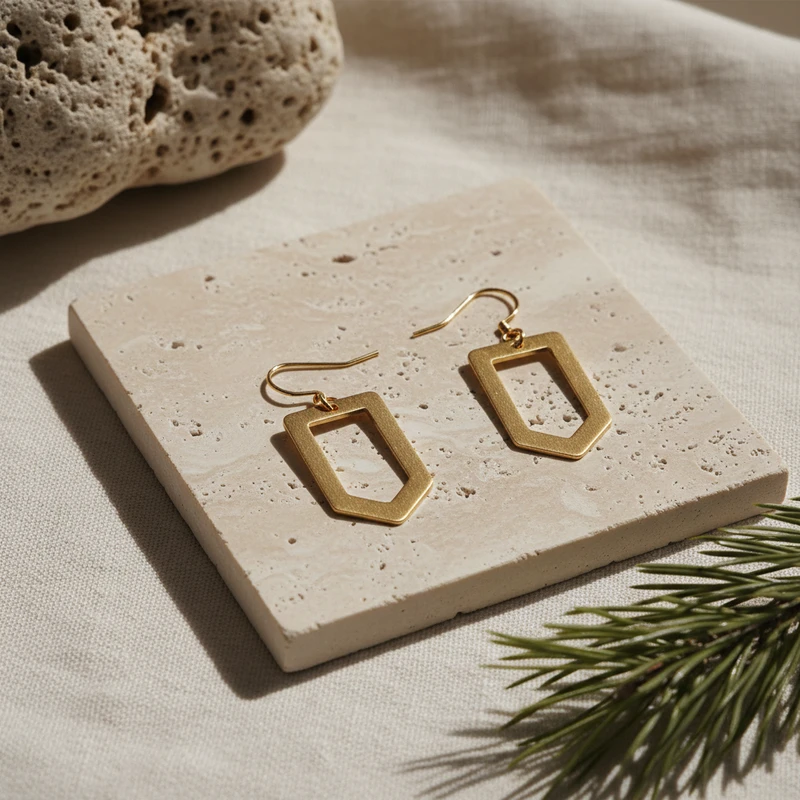
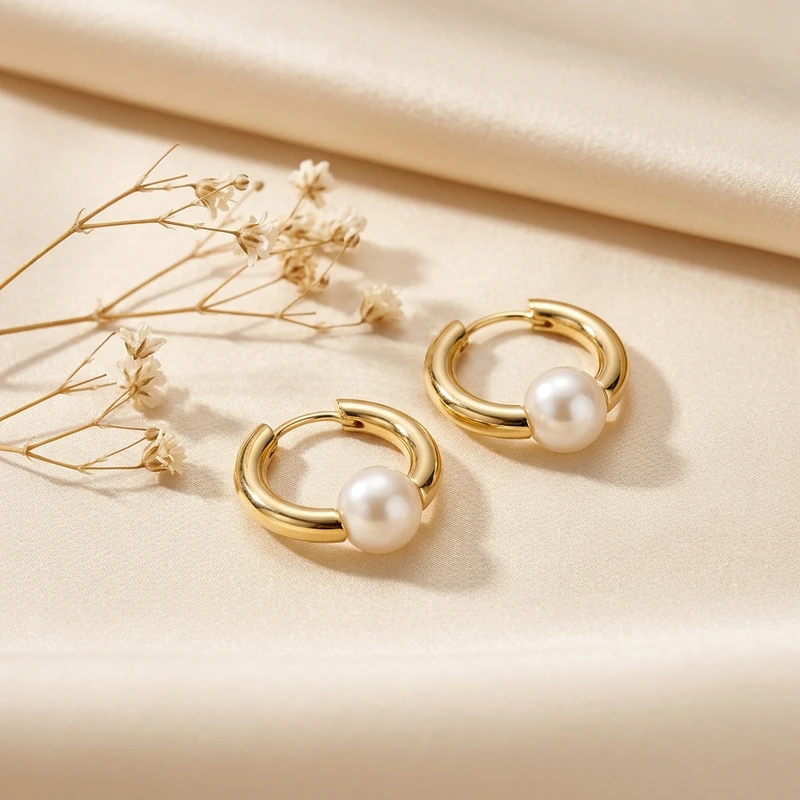
After The same gold hoop earrings as a studio product photo on travertine stone
The photo you sell with 1 credit Β· no reshoot
90,000+
product photos generated
4,000+
studio scenes, and counting
Minutes
from upload to finished photo, not days
4K
PNG export, yours to sell with

Built for sellers on

  • Shopify
  • Etsy
  • Amazon

Also on your phone and in Canva

Find Lume in Canva

Lume for Canva is an app you open right inside your designs.

  1. Open any design in Canva.
  2. Click Apps in the left panel.
  3. Search β€œLume Pics” and open it.

Step 1

Upload your product photos

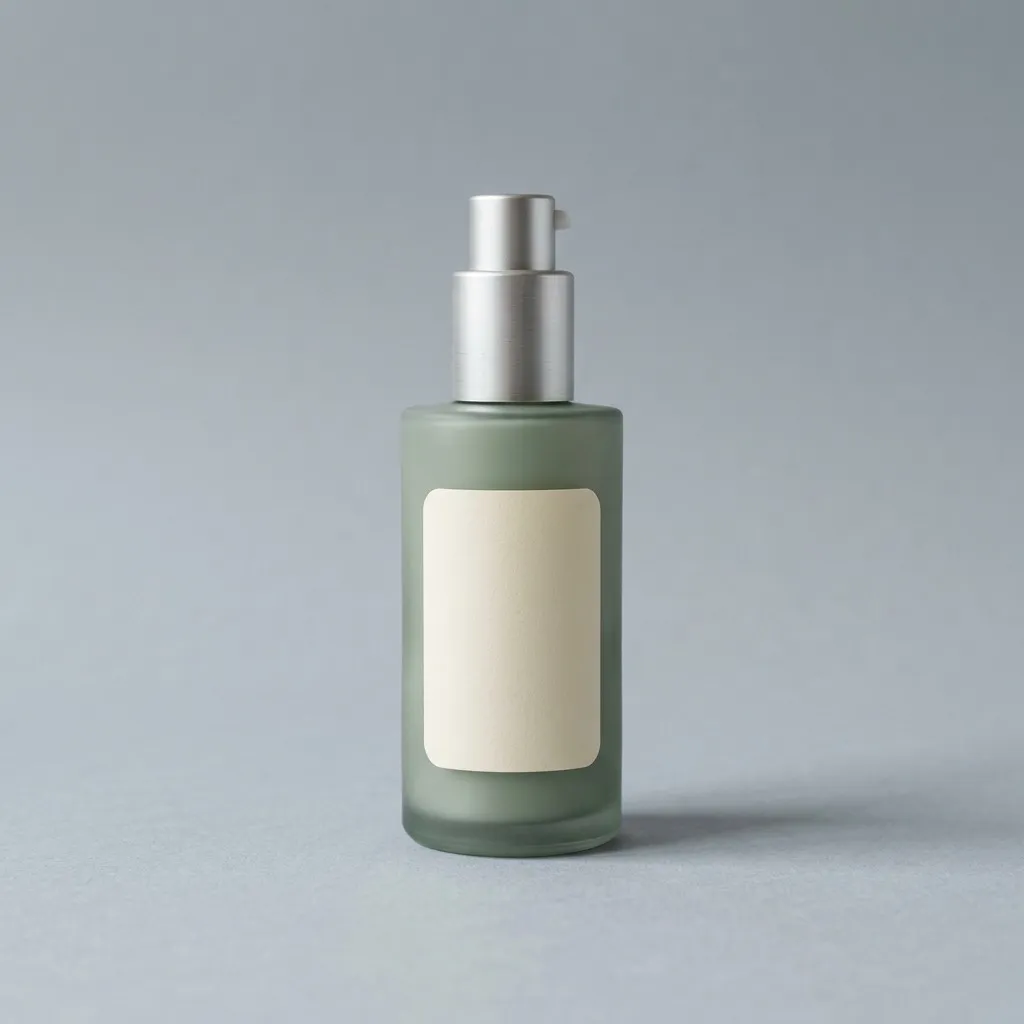
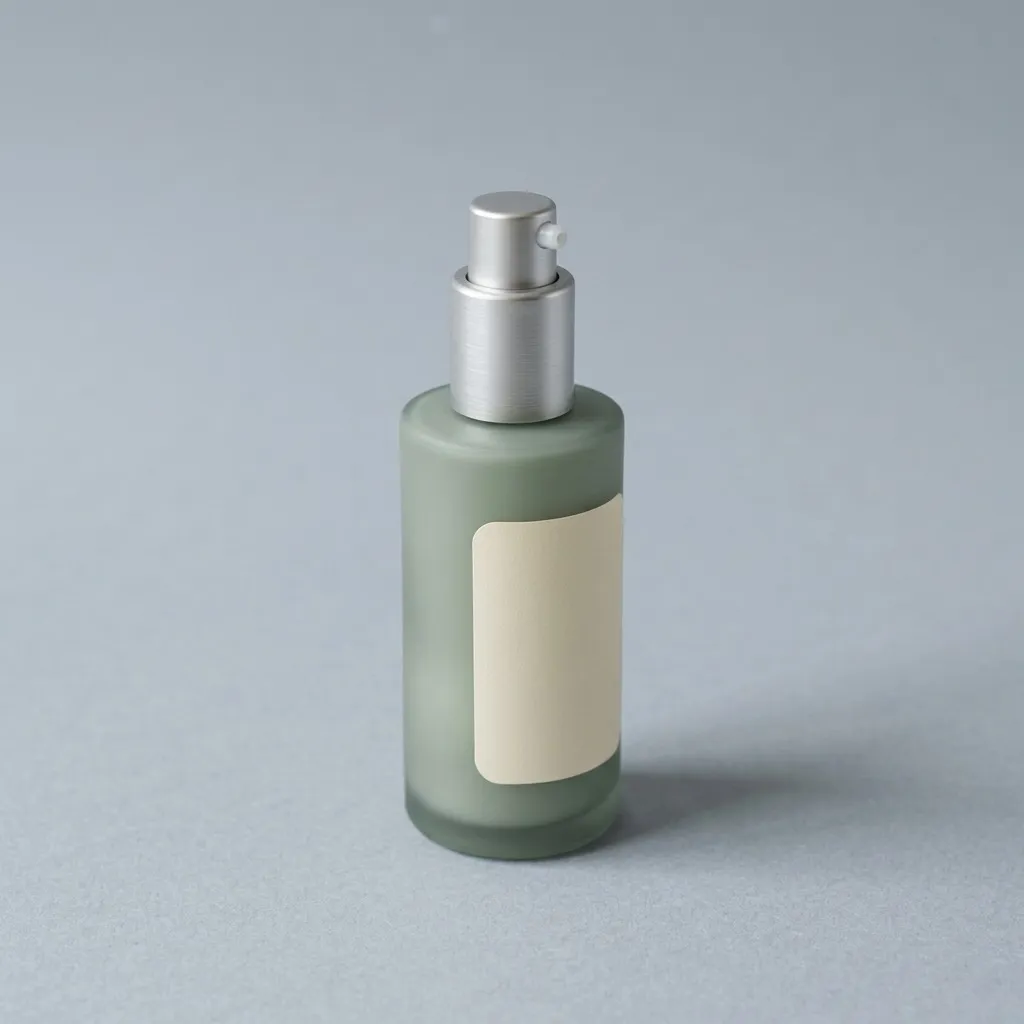
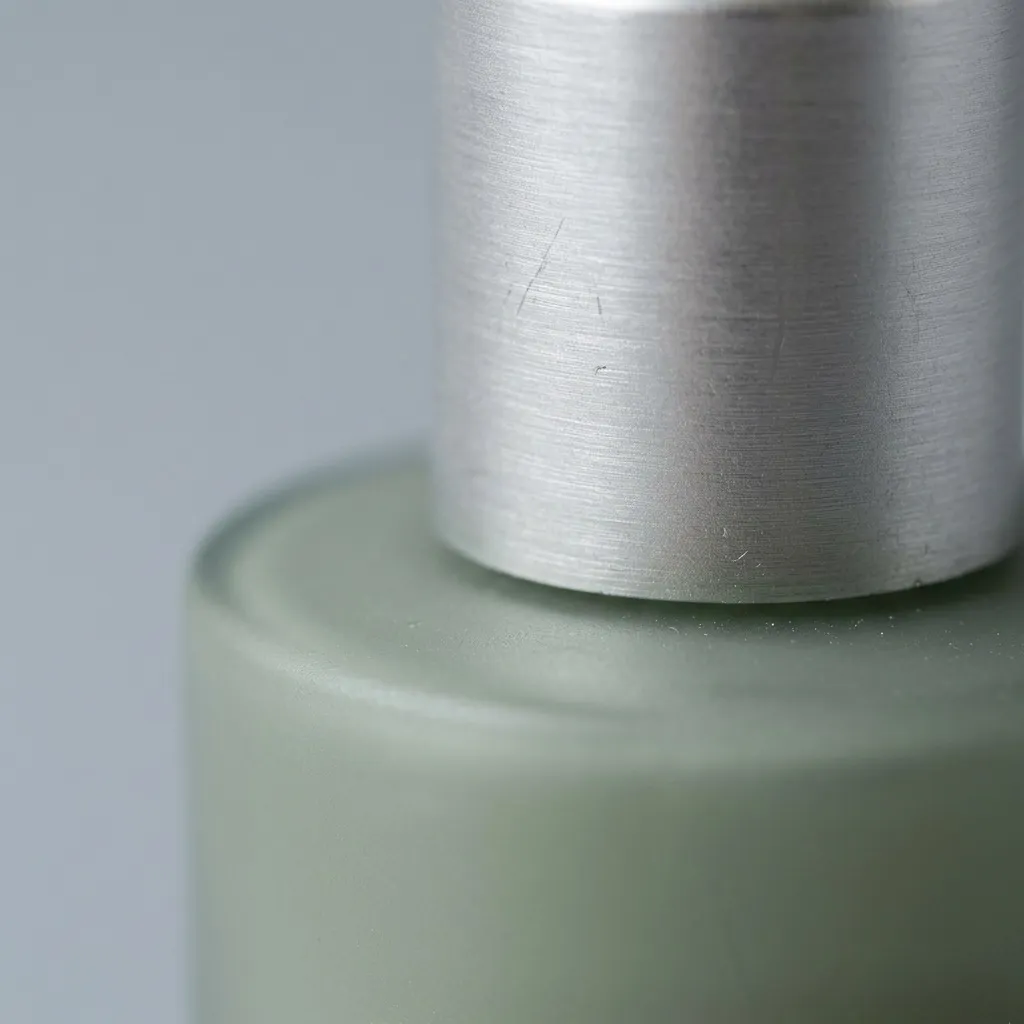
Drop in one photo of your product, or a few. A front view, an angle, a close-up of the clasp or the cap. Lume studies them together and builds a picture of the real thing: its shape, its finish, its label, its colour.

We call it Product Lock. Whatever scene you put it in afterwards, it stays your product, not a lookalike.

  • JPG, PNG, WEBP, AVIF and HEIC, straight from your phone
  • Uploads are saved as products, so you never upload twice
  • Add several reference views per product
Upload your first product β†’
Front view of a frosted green skincare bottle
Front
Angled view of the same bottle
Angle
Macro detail of the pump and frosted glass
Detail

Step 2

Then take AI product photos

Pick a scene from 4,000+: a travertine plinth in morning light, a linen flat-lay, a marble bathroom shelf, a model's collarbone. Place your product, press generate, and a finished studio photo lands in minutes, not days. Drag the slider to see what one credit buys.

Studio product photo of gold hoop earrings generated with Lume The original phone snapshot of the same earrings
Before After

Same earrings, same afternoon. Left is the phone. Right is Lume.

Step 3

And shoot the whole catalogue

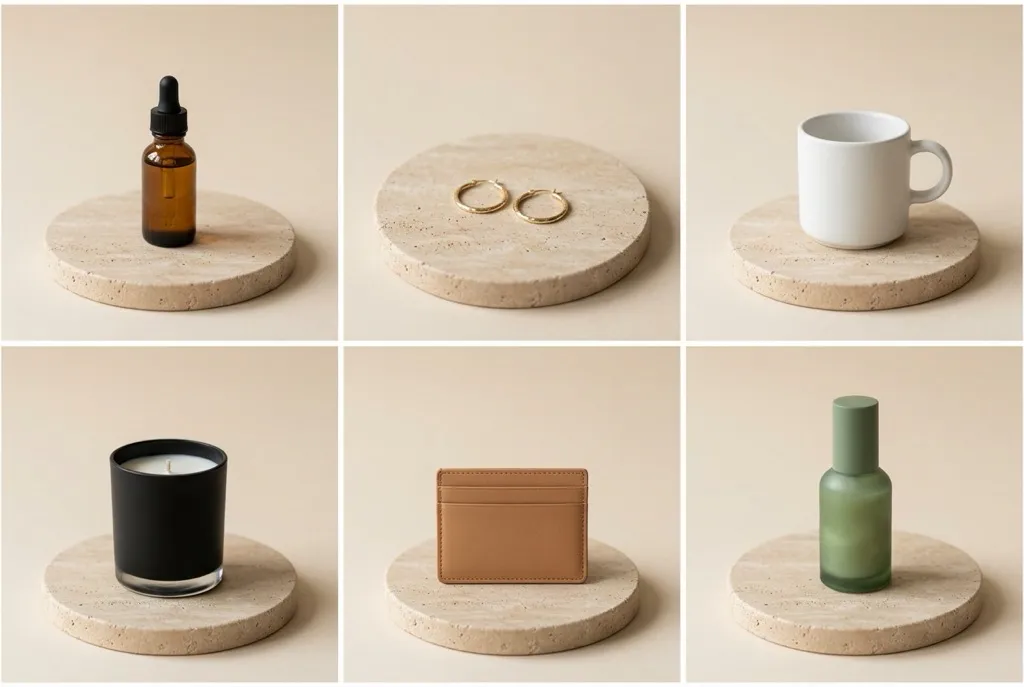
One scene, up to 50 products, one click. Batch generation photographs every item in the same light at the same scale with the same grade, so your store finally looks like one brand instead of fifty suppliers.

  • Run up to 3 batches side by side
  • Watch each photo land, live
  • Clean batch runs earn bonus credit protections
Shoot my catalogue β†’
Six different products photographed on the same travertine plinth in the same light

Creative direction

Then direct the shot in your own words

Same bottle, same scene, one sentence each. Type what you want: the light, the surface, the props, the mood. Lume shoots it that way, and Product Lock keeps the product exactly as it is.

πŸ“· Your product

One phone photo, uploaded once. Three sentences, three shots β†’

Before The product photo: a frosted sage-green skincare bottle
✍️ Creative direction

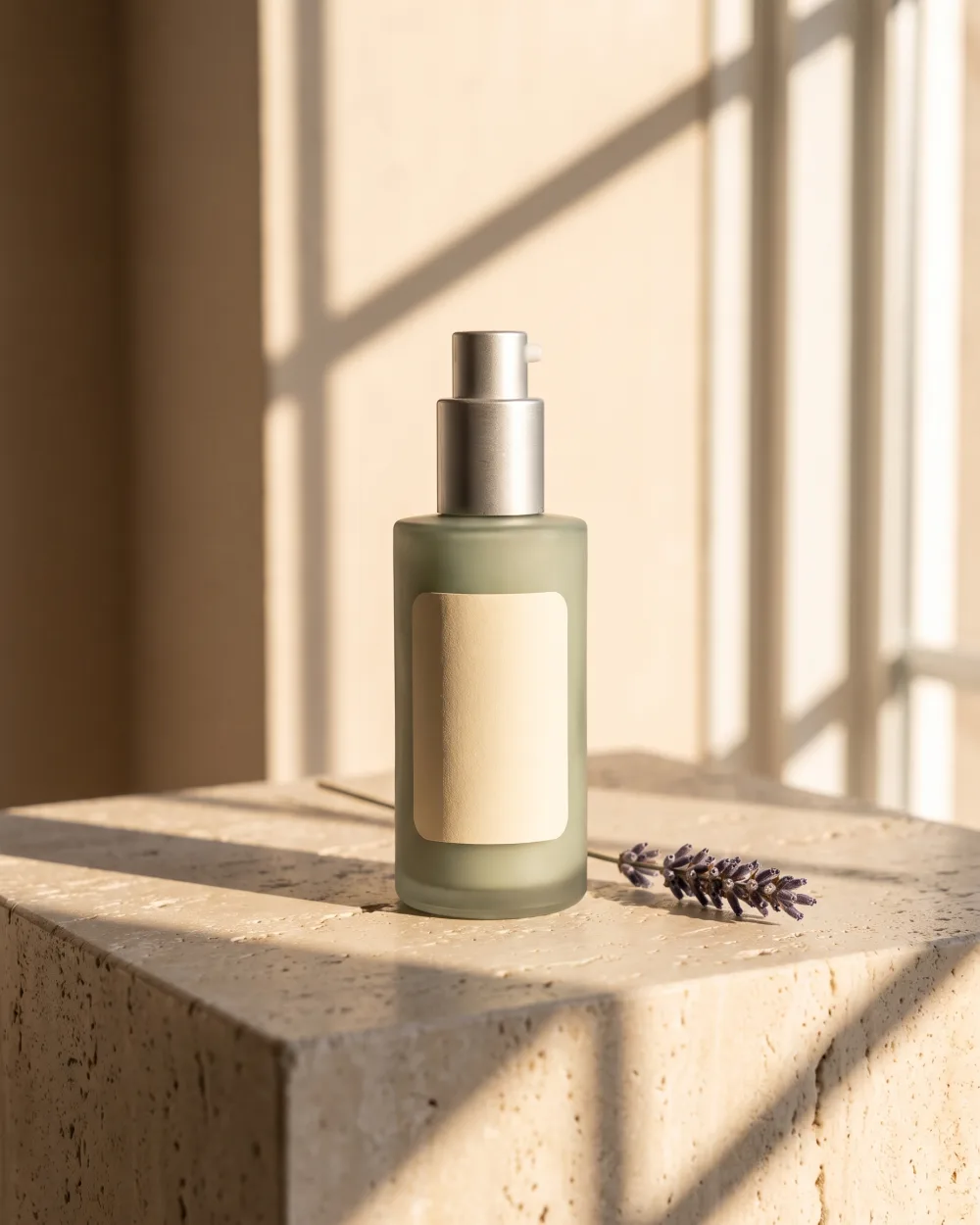
“Golden hour through a window, long shadows, a sprig of dried lavender”

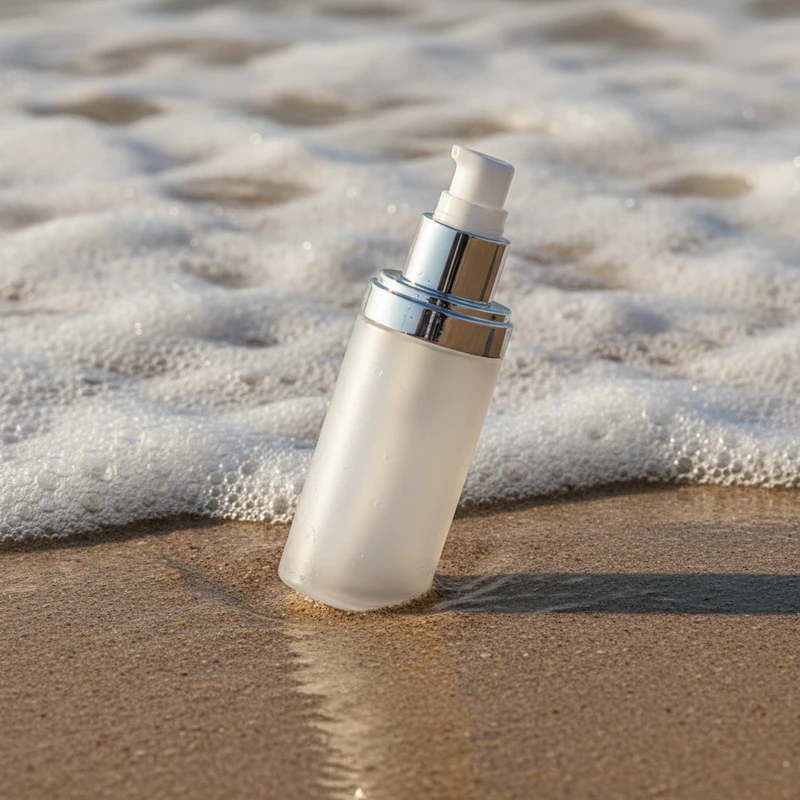
After The same skincare bottle, shot with the direction: Golden hour through a window, long shadows, a sprig of dried lavender
✍️ Creative direction

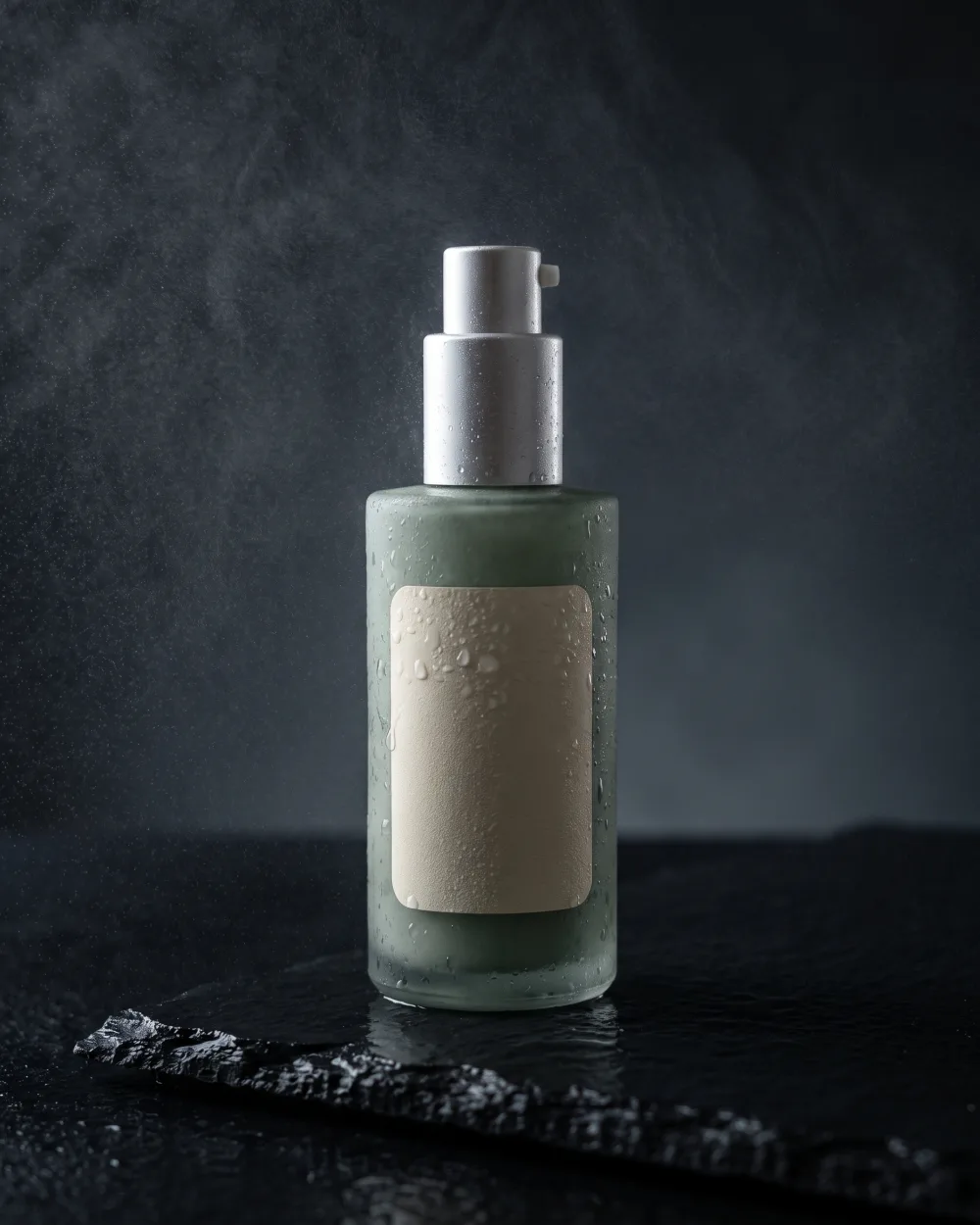
“Moody wet black slate, water droplets on the glass, one rim light”

After The same skincare bottle, shot with the direction: Moody wet black slate, water droplets on the glass, one rim light
✍️ Creative direction

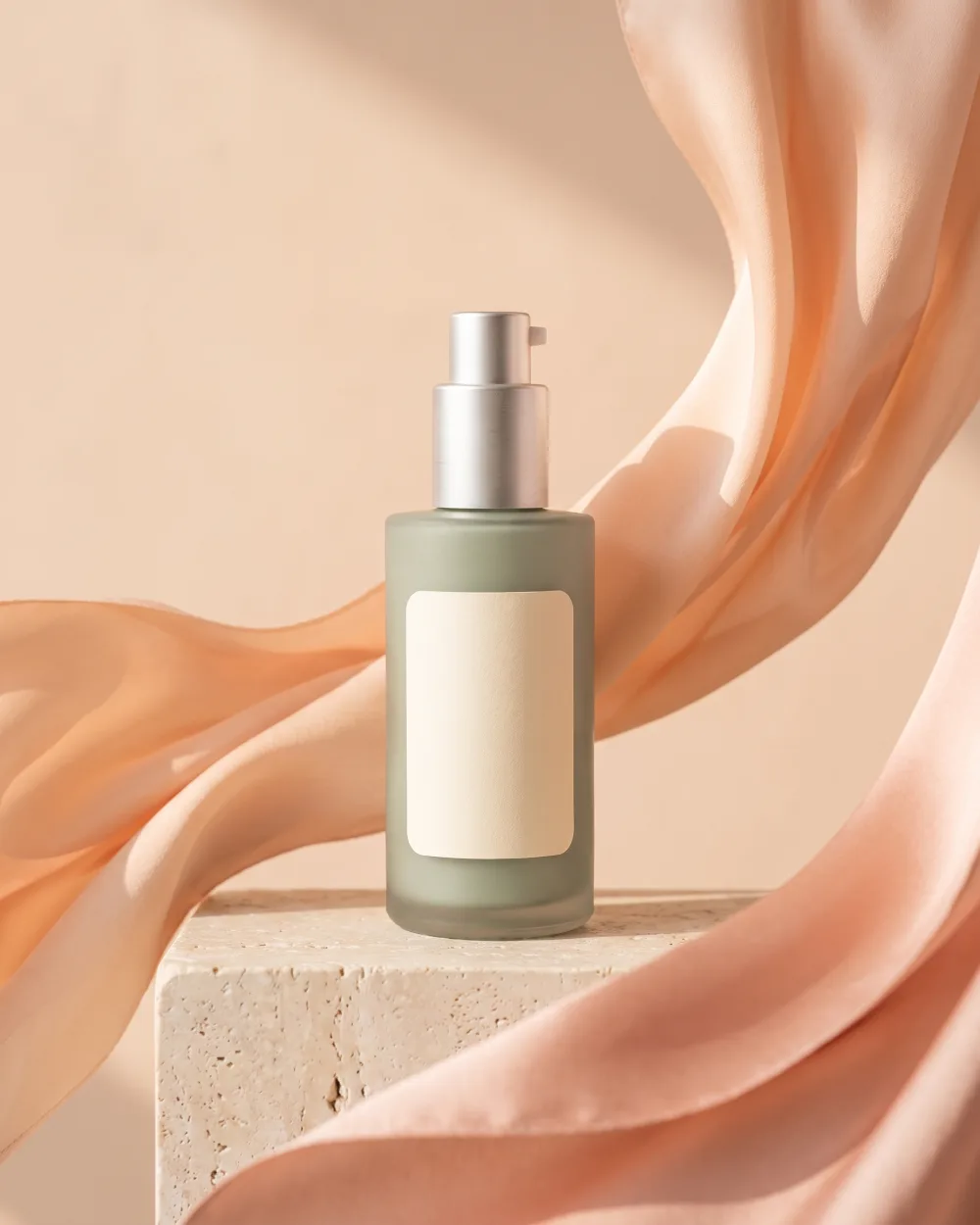
“Peach silk ribbons swirling around it, soft pastel morning light”

After The same skincare bottle, shot with the direction: Peach silk ribbons swirling around it, soft pastel morning light
  • ✍️ Up to 500 characters
  • ⭐ Save the directions you like
  • πŸ–ΌοΈ Add a style reference photo
  • πŸ”’ Product Lock stays on

Why Sellers Choose Lume

Your first 3 studio photos are on us

Create a free account and 3 credits land in it before you upload anything. No card, no trial timer. Keep every photo you make.

$500+
Saved Per Shoot vs traditional studio photography
50Γ—
Faster Generate 50 images in the time it takes to shoot 1
100%
Consistent Every product looks like it came from the same catalog

The most product-faithful AI photo generator, with Product Lock

Most AI image tools paint a new product that looks a bit like yours. Lume starts from your photo and keeps it: the engraving, the stitching, the stone, the label. The scene changes. The product does not.

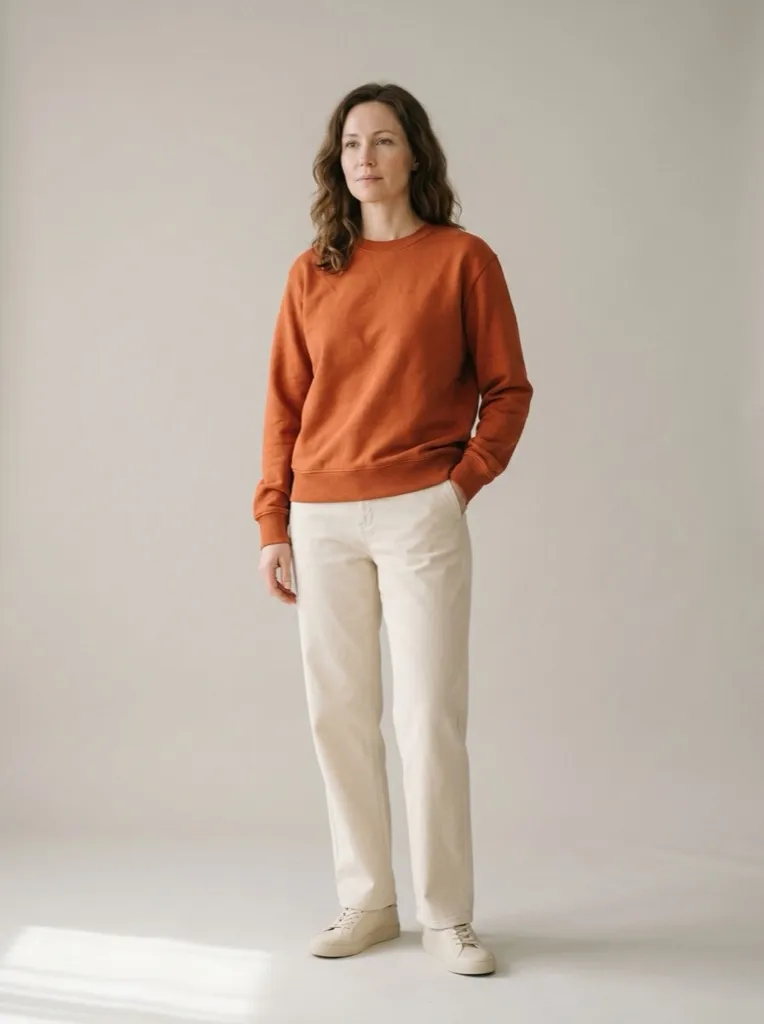
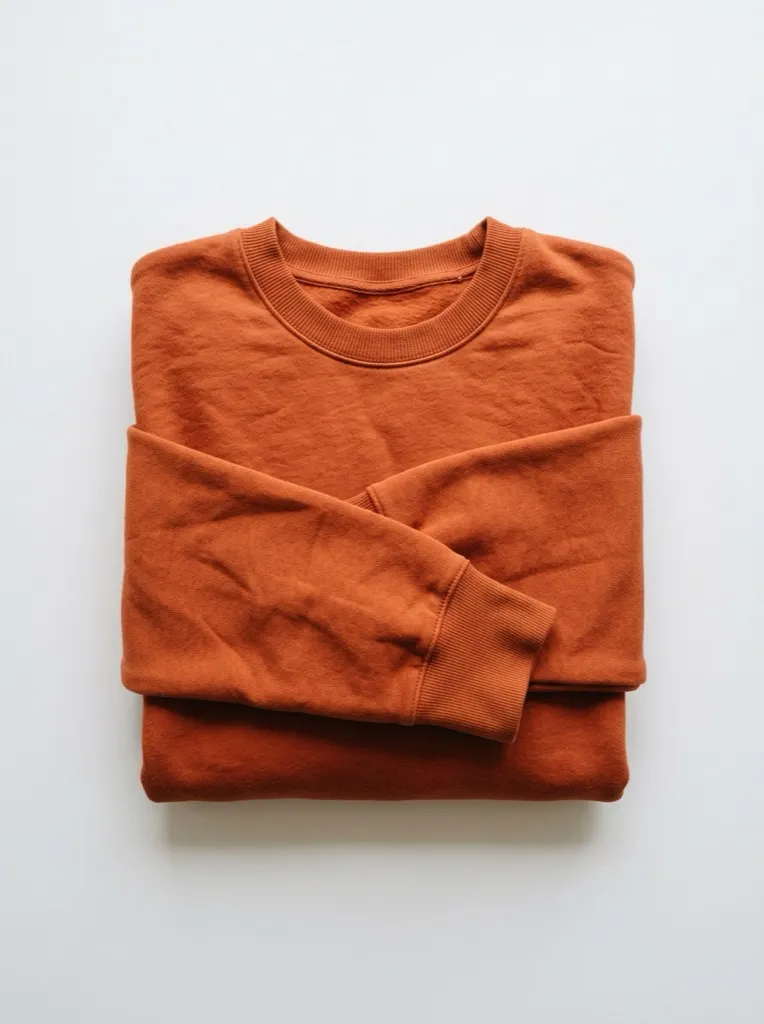
Before Flat-lay photo of a terracotta sweatshirt
Your flat-lay
After The same sweatshirt worn by a model in a studio
Lume, on a model
Apparel

πŸ‘• Try clothes on a model

Photograph the sweatshirt on your bed. Lume puts it on a person, in a studio, with the fit, the ribbing and the exact colour intact. No casting, no model release, no half-day rate.

Try it on a model β†’
The same sage linen shirt worn by three different models
New

πŸ§‘β€πŸ€β€πŸ§‘ Models that look like your customers

Jewellery on skin sells jewellery. On model scenes you do the casting, shot by shot, so your photos show the people who actually buy from you instead of whoever the AI picked.

  • Choose age and hair for every shot
  • Skin tone built on the Monk Skin Tone scale
  • Or describe the casting in your own words
  • The garment stays true to your upload: fabric, fit, colour
Cast your first model β†’
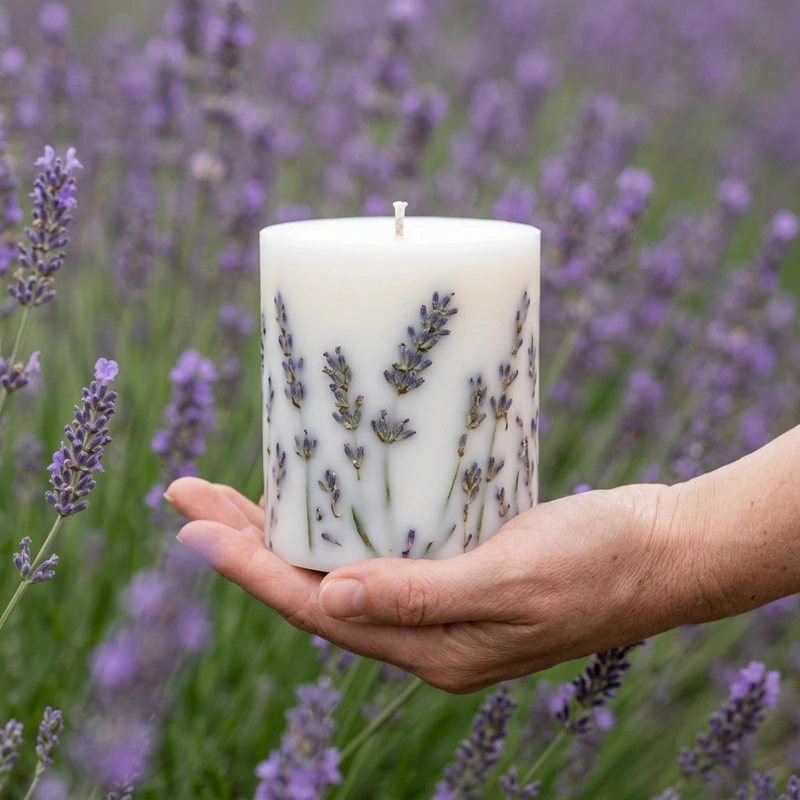
A candle on a sunlit windowsill, a scene built from a seller's own photo
New

πŸͺ„ Create your own scene

Love a photo from your last shoot, or one you found? Upload it and Lume turns it into a scene you can reuse with any product, in any size, as often as you like. Save a finished photo as a Shot and drop a different product into the exact same pose and light next season.

Build a scene from my photo β†’
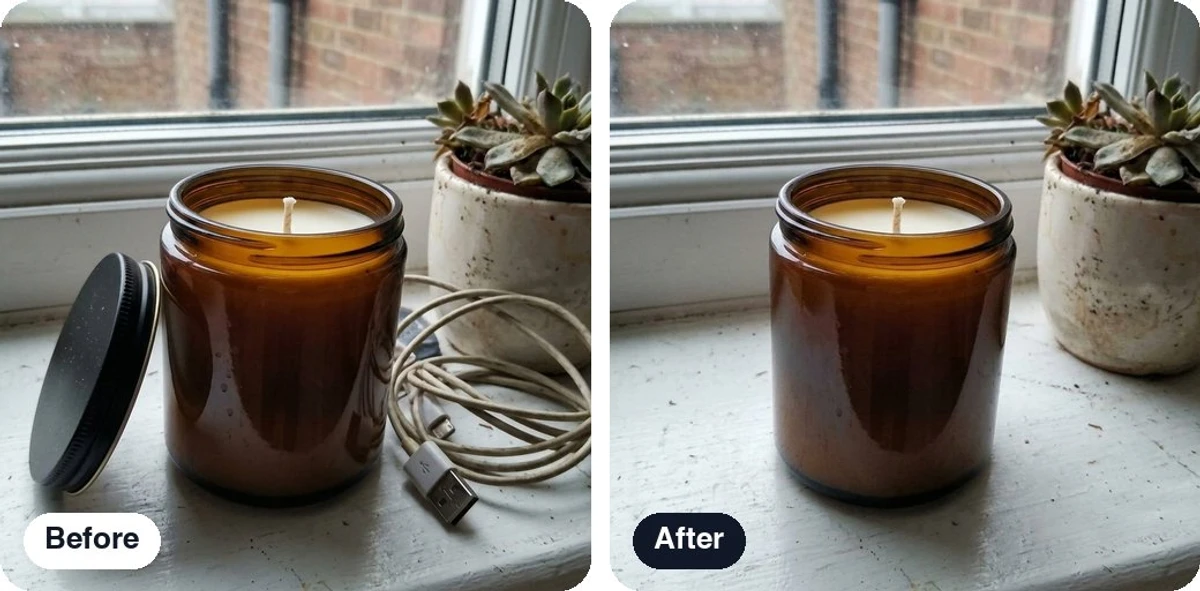
A candle on a windowsill before and after the lid and a charging cable were erased in Refine
New

🎚️ Refine: fix the photo, don't reshoot it

Open any photo, generated or uploaded, and change one thing at a time. Every result is saved as a new version of the same photo, so the original is never lost.

  • Remove the background free, on every plan: transparent, white or any colour
  • Erase an object, change the background, relight or recolor: 1 credit per edit
  • Say the change in your own words with AI edit, or expand the frame for a new format
  • Animate a photo into a short product video with sound
Fix a photo in Refine β†’

One shot, every channel

Ten aspect ratios across Square, Social, E-commerce and Ads kits. The scene is re-framed for your listing, your feed and your banner, not cropped after the fact.

1:1 Listings
4:5 Instagram
9:16 Stories
3:4 Marketplace
2:3 Pinterest
4:3 Landscape
3:2 Photo
5:4 Print
16:9 Banners
21:9 Cinematic

1K

1024 px Β· listings and social

1 credit

2K

2048 px Β· hero images

2 credits

4K

4096 px Β· print and campaigns

3 credits

And everything around the photo

The small things that make it safe to shoot a whole catalogue here.

Credit protection

Result not right? Remove it within 30 minutes, before downloading, and the credits come back.

Credits roll over

Unused credits carry into next month instead of vanishing, for up to 4 months on Studio.

New

Free background removal

Cut any photo out onto transparent, pure white or any colour. No credits, a daily allowance on every plan.

New

Photo to video

Animate turns a finished photo into a short clip with sound, wide for your store or vertical for Reels. From Pro.

Shots

Save a photo you love, then drop a different product into the exact same pose, light and set.

Prop styling

Dress the scene from a props catalogue, or put your own text on a card, sign or label.

Managed backdrops

A curated library of studio backdrop plates for an instant set change, no template hunting.

Commercial licence

Every image on every plan, Free included, is yours to sell with.

Private by default

Uploads and results sit behind signed, expiring links. Your catalogue is never public.

A real product library

Every upload becomes a product with names, SKUs and tags, so you never upload twice.

Lume vs a studio day vs a prompt box

Studios are faithful but slow and expensive. Prompt-based image tools are fast but invent a new product every time. Lume is built to be both fast and faithful.

Swipe the table to see the studio and prompt-tool columns β†’

Lume Photo studio Prompt-based AI
Cost per photo βœ“ From $0.11 βœ• $500+ per shoot ~ Cheap, if it works
Turnaround βœ“ Minutes, not days βœ• Days to weeks ~ Hours of retries
Your exact product βœ“ Locked to your photo βœ“ The real thing βœ• Reinvents it
Consistent catalogue βœ“ Same scene, 50 products ~ One shoot at a time βœ• Every image differs
Clothes on a model βœ“ Built into the scene ~ Book a model βœ• Wrong garment
Every channel format βœ“ 10 ratios, up to 4K ~ Crop and hope ~ Re-generate
Not happy? Try again βœ“ Credit protection βœ• Reshoot fee βœ• Pay again

Cost per photo is the Studio plan at 720 credits. Studio pricing is a typical e-commerce half-day. Named comparisons live at lume.pics/compare.

⭐ Sellers who fired their photographer

Real feedback from Lume customers. Names changed for privacy.

β˜…β˜…β˜…β˜…β˜… βœ“ Verified customer
“Honestly love this tool, it's the only platform that keeps my products accurate and consistent. I use it every day for my sportswear brand and it's been a huge help.”
MT Marcus T. Sportswear brand owner
β˜…β˜…β˜…β˜…β˜… βœ“ Verified customer
“The images are super high quality and honestly don't look AI at all, which is great.”
DR Daniel R. Shopify store owner
β˜…β˜…β˜…β˜…β˜… βœ“ Verified customer
“Wasn't expecting much with my jewelry but the photos come out really realistic. I like it a lot!”
SB Sofia B. Jewelry designer
β˜…β˜…β˜…β˜…β˜… βœ“ Verified customer
“Really liking it so far, it captures my product in a natural way instead of that graphic, paint-like look you get from other AI tools. Super happy with the accuracy of the product itself.”
RS Renata S. Etsy seller
β˜…β˜…β˜…β˜…β˜… βœ“ Verified customer
“I really enjoy using it! The images are absolutely amazing and so realistic, I LOVE them!”
AJ Amara J. Skincare brand founder
β˜…β˜…β˜…β˜…β˜… βœ“ Verified customer
“Omg they actually listened and shipped my request crazy fast!! So impressed, honestly amazing!!”
RM Rachel M. Boutique owner
β˜…β˜…β˜…β˜…β˜… βœ“ Verified customer
“Best app I've tried at generating my complex jewelry on models... the other AI tools I used kept distorting the pieces.”
PN Priya N. Fine jewelry brand
β˜…β˜…β˜…β˜…β˜… βœ“ Verified customer
“The models keep improving, they look way more realistic than when I first started using the templates. More realistic than the other apps I tried too.”
LV Lena V. Etsy jewelry seller

Why I built Lume

Good product photos should not cost more than the product.

Every small brand I know has the same shelf of great products and the same folder of phone photos it is slightly embarrassed by. A studio day fixes it for a month, then the next drop lands and you are back to the folder.

Lume is the photographer who is always in. Thousands of scenes designed by people who shoot products for a living, an engine that keeps your product exactly as it is, and a price that makes sense at five products or five hundred. If something is missing, tell us. Sellers' requests are where most of Lume came from.

Emrah, founder of Lume

Cheaper than one studio hour, every month

Start free with 3 photos. Pro is $9 a month for 60 photos, about 15 cents each. Every paid plan includes rollover, credit protection and the full scene library. Go annual and you pay for 10 months, get 12, and receive the whole year's credits on day one.

Pro

$7.50 $9 billed $90 a year
you save $18
billed monthly
cancel anytime
per month

For sellers with a small catalogue: every scene, social formats, 2K downloads and photo-to-video.

Subscribe β†’

  • Up to 720 product photos / year Up to 60 product photos / month
  • πŸ”’ Product Lock
  • 180 credit protections / year 15 credit protections
  • All credits upfront, use them anytime in your year Unused credits roll over for 1 month
  • Social aspect ratios
  • 2K downloads
  • 10 Shot slots
  • 5 private custom templates
  • Unlimited public custom templates
  • 10 free background removals a day
  • Photo to video, up to 720p
New

Growth

$40 $49 billed $480 a year
you save $108
billed monthly
cancel anytime
per month

For brands running ads: everything in Business, plus ad formats and priority support.

Subscribe β†’

  • Up to 5,040 product photos / year Up to 420 product photos / month
  • πŸ”’ Product Lock
  • 1,560 credit protections / year 130 credit protections
  • All credits upfront, use them anytime in your year Unused credits roll over for 3 months
  • ← All Business features, plus:
  • Ad aspect ratios
  • 90 Shot slots
  • 50 private custom templates
  • Unlimited public custom templates
  • 40 free background removals a day
  • Photo to video, up to 4K
  • 15% off credit packs
  • Priority support

Studio

$65 $79 billed $780 a year
you save $168
billed monthly
cancel anytime
per month

For studios and big catalogues: the most photos, every format and the deepest pack discount.

Subscribe β†’

  • Up to 8,640 product photos / year Up to 720 product photos / month
  • πŸ”’ Product Lock
  • 2,880 credit protections / year 240 credit protections
  • All credits upfront, use them anytime in your year Unused credits roll over for 4 months
  • ← All Growth features, plus:
  • 300 Shot slots
  • 150 private custom templates
  • Unlimited public custom templates
  • 75 free background removals a day
  • 25% off credit packs

Not ready to pick a plan? Start free with 3 photos, no card β†’

Frequently asked questions

What is Lume?

Lume is an AI-powered product photography tool that generates studio-quality product photos from a single upload. Choose from 4,000+ professionally designed templates and export as PNG at 1K, 2K, or 4K resolution.

How does Lume work?

Upload your product image, choose the template that best reflects the look you want for your product (we have scenes for fashion, electronics, beauty, and more), and generate. Most generations take 8-12 seconds, and you can download the result as a PNG at up to 4K resolution.

Who is Lume for?

Lume is built for Shopify and Etsy sellers, DTC brands, agencies, and marketplace sellers who need consistent, professional product photography at scale.

Is there a free trial?

Yes! You get 3 free credits when you sign up, no credit card required. You can start generating product photos immediately.

How do I upload my product image?

Click upload in the editor and select a JPG, PNG, WEBP, AVIF, or HEIC file. Uploaded products are saved to your account, so you can reuse them in future scenes without uploading again. On templates with placement zones, you can drop a product directly into each zone to build the scene.

What does credits mean?

A credit is what you spend to generate a product photo. Creating one image at 1K resolution uses 1 credit, and higher resolutions cost a little more (2K is 2 credits, 4K is 3). So if you have 9 credits left, you can generate about 9 more photos at 1K. You get 3 free credits when you sign up, and paid plans include a batch of monthly credits that refreshes each billing cycle.

How do credits work?

A 1K generation uses 1 credit. On paid plans you can also generate at 2K (2 credits, from Pro) or 4K (3 credits, on Business, Growth, and Studio) for higher-resolution downloads. You get 3 one-time credits when you sign up. Paid plans include monthly credits: Pro (60), Business (240), Growth (420), Studio (720). Your credits refresh at the start of each billing cycle, and anything you haven't used rolls over automatically - for 1 month on Pro, 2 on Business, 3 on Growth and 4 on Studio.

What happens to unused credits at the end of the month?

They roll over. Unused monthly subscription credits automatically become a rollover credit pack at renewal, valid for 1 month on Pro, 2 months on Business, 3 on Growth and 4 on Studio. Add-on credit pack credits expire 60 days after purchase. When you generate, Lume always spends your soonest-expiring credits first, so you get the most out of your balance before anything lapses.

What is credit protection?

Credit protections let you reclaim a credit if you're not satisfied with a generated image. Click "Get Credit Back" in the image viewer within 30 minutes of generation (before downloading). The credit is returned to your balance and the image is removed. Each plan includes a monthly allowance: Pro (15), Business (70), Growth (130), Studio (240). Unused protections roll over at renewal together with your credits.

Can Lume photograph models wearing products?

Yes. Many Lume templates feature human models showcasing products, which works well for apparel, accessories, jewelry, and beauty. Browse the template gallery and pick a scene with a model that suits your product, then upload your product and generate. For fully bespoke model shoots beyond our template library, traditional photography may still be the better fit.

Can I change how the model in a scene looks?

Yes. On templates that feature a human model, open the Model control in the editor toolbar to adjust gender presentation, apparent age, skin tone, hair color and style, eye color, and build, so the model represents your audience. Skin tone uses the 10-point Monk Skin Tone scale rather than ethnicity labels, and every option is equal - nothing is treated as the default look. Models are always AI-generated, fictional people. Leave any option unset to keep the look the template was designed with.

Can I put more than one product in a scene?

Yes. Templates with multiple placement zones let you assign a different uploaded product to each spot, so you can build multi-product scenes and apparel layouts in a single image.

Can I generate photos for many products at once?

Yes. Open Batch Generation, choose New batch, and pick where the scene comes from: a Lume template, one of your custom templates, or a shot you saved from your gallery. With a template you assign several uploads or saved products to one placement zone; with a shot every product takes the replaceable spot in that exact photo. Lume generates an image for every product in the batch, so you can shoot a whole catalog through one scene with consistent styling. You can follow progress on the Batches page and download the results together. Batch mode is available on every plan - each image simply uses credits as normal.

What aspect ratios can I generate in?

Pick the aspect ratio from the editor toolbar before you generate, and Lume adapts the scene to fit that canvas. Available formats depend on your plan: Free generates Square (1:1). Pro adds Social formats - Story/Reel (9:16), Instagram feed (4:5), and Landscape (4:3). Business adds E-commerce formats - Marketplace (3:4), Pinterest (2:3), Print (5:4), and Photo (3:2). Growth and Studio add Ad formats - Widescreen (16:9) and Cinematic (21:9). A template can always be generated in its own native ratio, on any plan.

What output resolutions are available?

Every generation can be produced at 1K, 2K, or 4K (1024px, 2048px, or 4096px on a square image). 1K is on every plan (1 credit per image). Pro adds 2K (2 credits), and Business, Growth, and Studio add 4K (3 credits), ideal for print, packaging, large displays, and sharper zoom on marketplaces.

Do I own the generated images?

Yes. All plans include commercial licensing for generated images. You can use them across web, ads, packaging, and marketing materials.

Can I use Lume images on Amazon and Etsy?

Yes. You own the images and can use them on any marketplace. Each marketplace sets its own photo rules: Amazon's main image must be the product alone on pure white, and Etsy requires at least one unedited photo of the real item. Lume images work best as your lifestyle and gallery images, so check each one against the real product before you upload.

Can I cancel my subscription?

Yes, you can cancel anytime from your account settings, and you keep access to your plan features until the end of your current billing period. If you are on a monthly plan and only need a break, you can pause it for 1, 2 or 3 months instead: Lume offers the pause before you cancel, your credits are held while it runs, and billing restarts on its own when it ends. A pause is available once every 12 months.

How do I use Lume inside Canva?

Open the Lume app from the Apps tab in the Canva editor, add a product photo, pick a scene and generate. The photo lands in your design with one click, ready to place. The app uses the same 4,000+ templates as lume.pics, so the photos match what you make on the web.

Can I use Lume on my phone?

Yes, two ways. Download the Lume app from the App Store to photograph your product and generate without leaving your phone, or use lume.pics in any mobile browser if you would rather not install anything. It is one account either way - your products, templates, and gallery are the same on your phone and on the web. Refine, the editing tools for finished photos, is on the web for now.

Is my data secure?

Yes. We use industry-standard encryption for data in transit and at rest. Images are stored securely and only accessible by you. See our Privacy Policy for details.

Who created Lume?

Lume is built by a small team led by its founder, Emrah, together with the template designers who author every scene and the sellers whose requests shape the roadmap. You can reach the team at support@lume.pics.

More answers on the full FAQ or email support@lume.pics.

Your photographer starts today. For free.

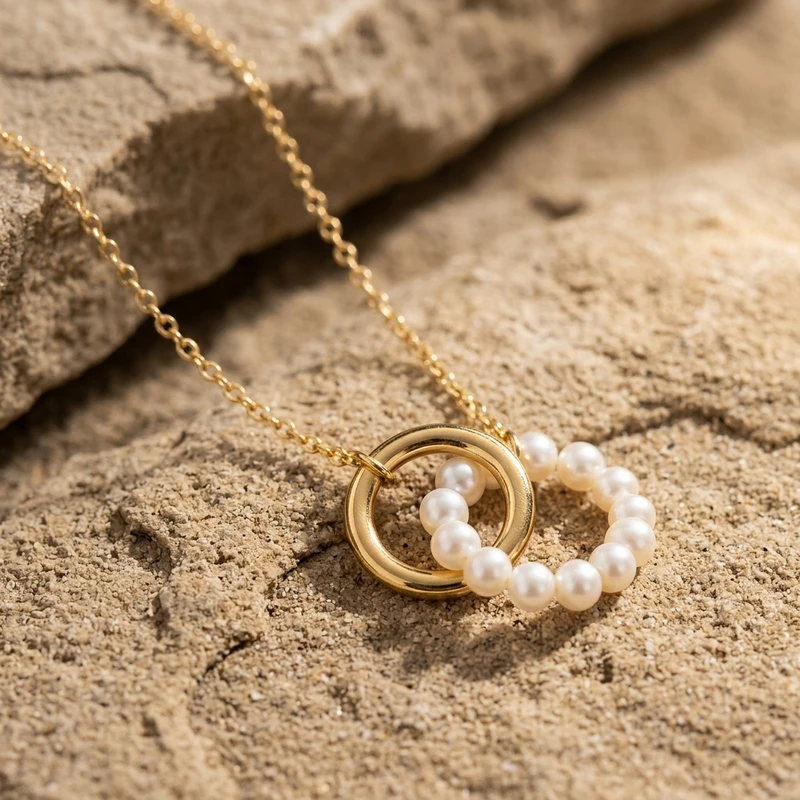
3 free photos, no card. If the first one does not beat what is on your store right now, you have lost a minute.

Start taking AI product photos now β†’
  • 🎁 3 free photos
  • πŸ”₯ Annual: 12 months for the price of 10
  • πŸ›‘οΈ Credit-back protection
  • πŸ“ 10 formats, up to 4K

Also on iOS, Android and inside Canva.

🎁 3 free photos, no card Start free β†’