
Free, no credit card
Remove the background from a product photo, free
Transparent PNG, pure white for marketplace main images, or any colour. 2 removals a day on the free plan, up to 75 a day on paid plans, and it never costs a credit.
Part of Refine, in Beta on the web. Create a free account and the first removal takes a minute.
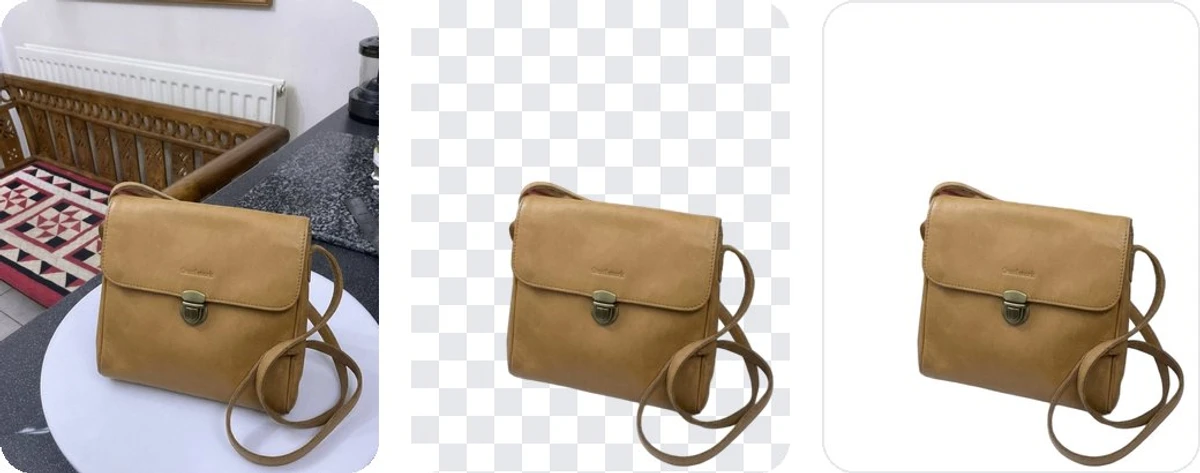
The original, the transparent cut-out, the white fill
How it works
Four steps in the browser. No masking, no brush work for the usual product.
- 1
Open the photo in Refine
Sign in, upload the product photo or pick one you already generated, and open it in Refine. A plain phone shot on a kitchen counter is fine.
- 2
Choose Remove background
It is the first tool in the rail. Lume suggests a quality for the photo; change it if you know better.
- 3
Pick Transparent, White or a colour
Transparent gives a PNG with nothing behind the product. White fills the background with pure white. Colour lets you name any hex colour.
- 4
Apply, then download
The cut-out comes back in seconds as a new version of the same photo. Download it, or put it straight into a studio scene.
Five qualities, picked for the product
Lume suggests one from the photo. Three are on every plan, including Free.
| Quality | Plans | Best for |
|---|---|---|
| Standard | Every plan | Most products: bottles, boxes, bags, shoes, ceramics. |
| Hair and fur | Every plan | Plush toys, brushes, textiles and anything with fine edges. |
| People | Every plan | On-model shots and anything held by a hand. |
| HD | Business, Growth, Studio | Finer edges on big photos. Needs a photo of at least 2048 px on its long side. |
| Max | Studio | The highest operating resolution, for jewellery and very detailed products. Needs 2048 px too. |
The output is never enlarged: every quality returns the cut-out at the photo's own size.
A daily allowance, not credits
Background removal is free on every plan. What changes with the plan is how many you can do a day. The allowance resets every day at midnight UTC.
Free
2
removals a day
$0, no card
Pro
10
removals a day
From $9 a month
Business
20
removals a day
From $29 a month
Growth
40
removals a day
From $49 a month
Studio
75
removals a day
From $79 a month
Every accepted request counts toward the day, whether you keep the result or not. Compare plans
Pure white for Amazon and marketplace main images
Amazon's main image rule asks for a pure white background, RGB 255, 255, 255, and most marketplaces follow it. The White fill paints exactly that value into every pixel that used to be background, so the file passes an automated check.
A white studio scene rendered by an image model looks white, but its pixels sit somewhere near 250 and drift with the lighting. It cannot promise 255. Use the fill for the main image and the rendered scenes for the lifestyle slots.
Amazon product photos with Lume →What you get back
- A PNG at the photo's own pixel size, never enlarged
- Transparent, white or a colour - you choose before Apply
- A new version of the same photo; the original stays in the gallery
- A readable file name with your product's name in it
- No watermark and no Lume name in the file
Now put it in a scene
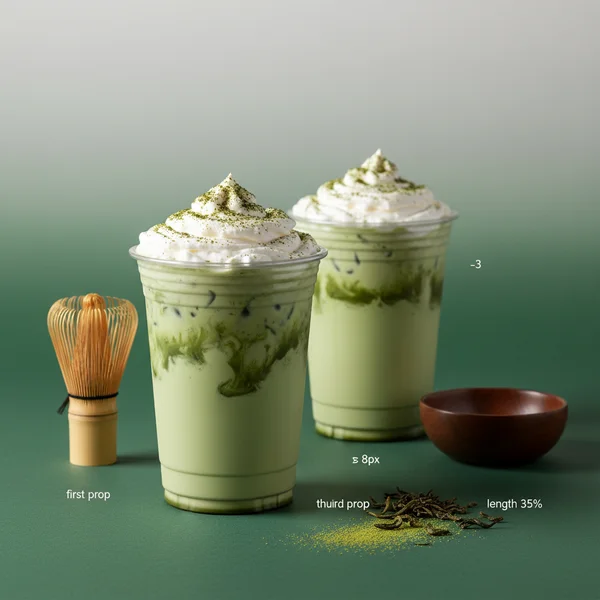
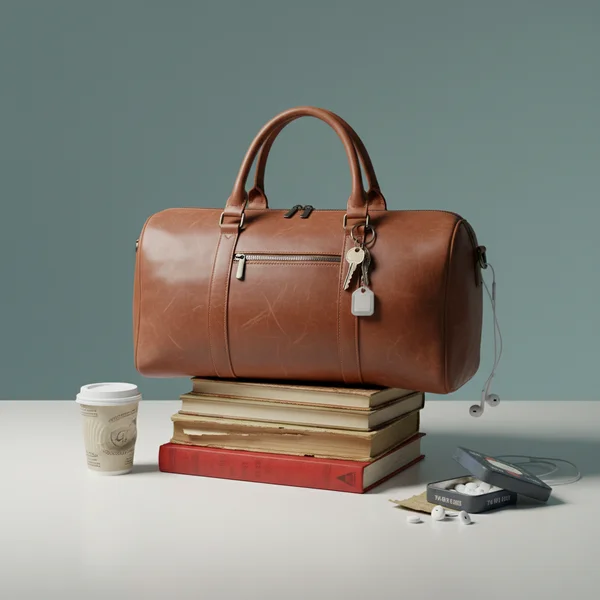
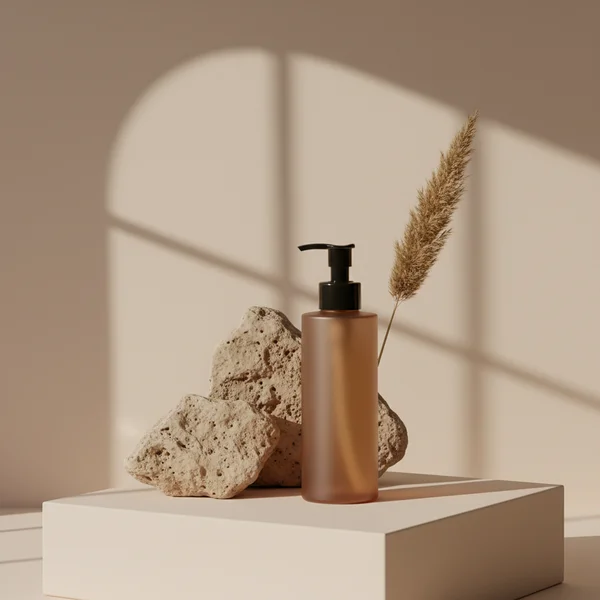
A cut-out is the start. Drop the product into one of 4,000+ studio scenes and the lighting, shadows and surface are rendered around it. 1 credit at 1K, and a free account starts with 3.


Questions about background removal
Is the background remover really free?
Yes. Remove background never costs credits on any Lume plan. The free plan gives you 2 removals a day with no credit card; paid plans give 10, 20, 40 or 75 a day. The allowance resets every day.
Do I need to install anything?
No. Remove background runs inside Refine on lume.pics, in the browser. Create a free account, upload the photo, press Apply and download the result.
What file do I get?
A PNG at the same pixel size as the photo you uploaded. With the Transparent fill the background is empty; with White it is pure white, RGB 255, 255, 255; with Colour it is the hex colour you chose. The file is named after your product.
Is the white background good enough for Amazon?
Yes. Amazon asks for a main image on a pure white background, RGB 255, 255, 255. The White fill paints exactly that value into every background pixel. A white studio scene rendered by a model looks white but is not guaranteed to be exactly 255, so use the fill for the main image and the scenes for the rest of the listing.
Does Lume enlarge the photo?
No. The cut-out comes back at the size of the photo you uploaded. A 1024 px photo stays 1024 px on every quality. If you need a bigger file, upload a bigger photo; HD and Max need at least 2048 px on the long side.
Can I put the cut-out into a scene afterwards?
Yes, and that is the point. Once the background is gone, drop the product into any of the studio templates on Lume: a marble counter, a linen flat lay, a window-lit shelf. Generating a scene costs 1 credit at 1K, and a free account starts with free credits.
Two free removals a day, starting now
No credit card, no watermark, no software. Sign up, upload the photo and press Apply.
Last checked: 2026-10-30