- Can I remove the background from a food photo or turn it into a video?
- Yes. Open any photo in Refine: Remove background cuts the dish or bottle out onto a transparent, pure-white or any-colour background for free, with a daily allowance on every plan. Erase a stray crumb, change the backdrop, relight or expand the frame one change at a time, each saved as a new version. Animate turns the finished photo into a short clip with sound for Reels or your menu page.
- Can Lume make my food and drinks look fresh and appetizing?
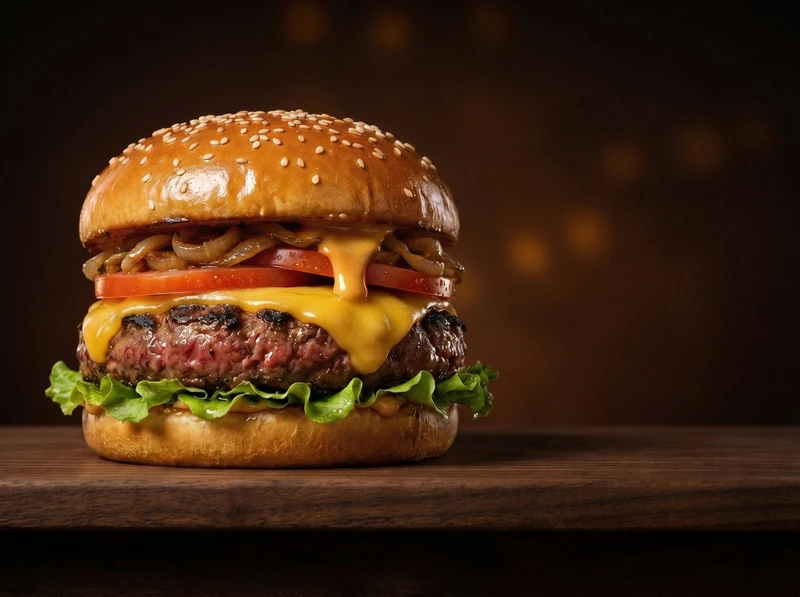
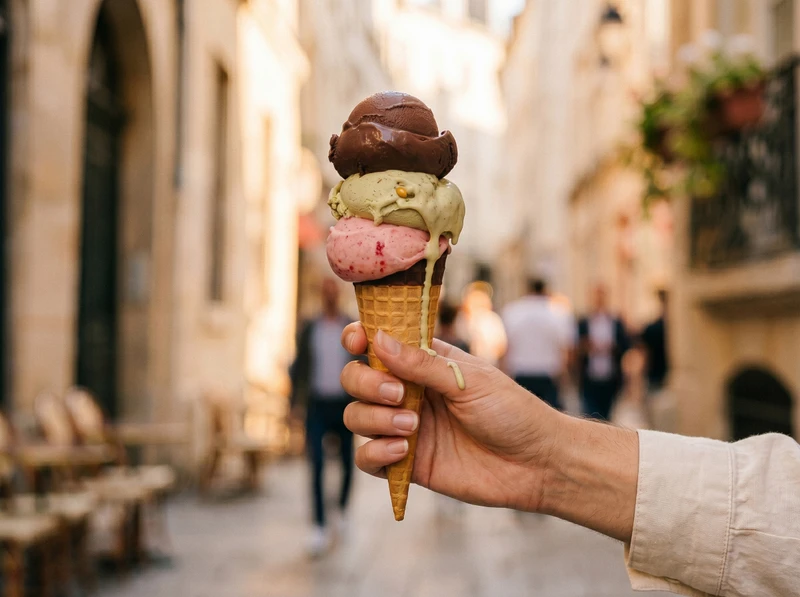
- Yes. Our AI is trained to render fresh textures, steam, condensation, and glossy highlights so your dishes and beverages look irresistible without a food stylist.
- What food and beverage products work best with Lume?
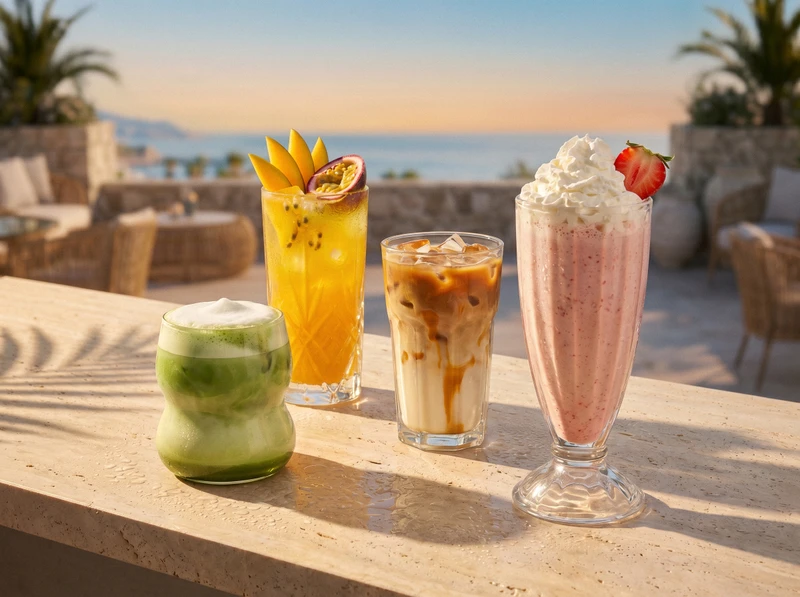
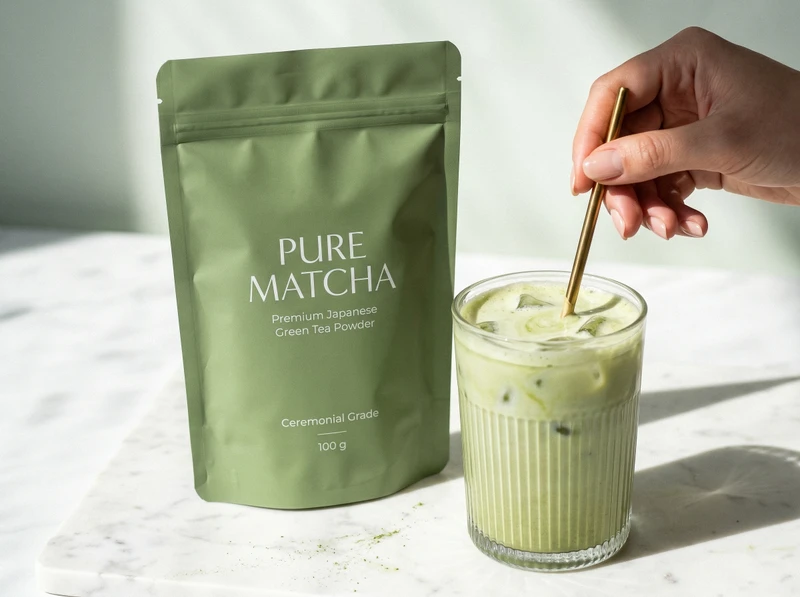
- Lume works great with packaged foods, snacks, baked goods, fresh produce, bottled and canned drinks, coffee, tea, and cocktails, from single products to full table scenes.
- How do I keep my menu and catalog looking consistent?
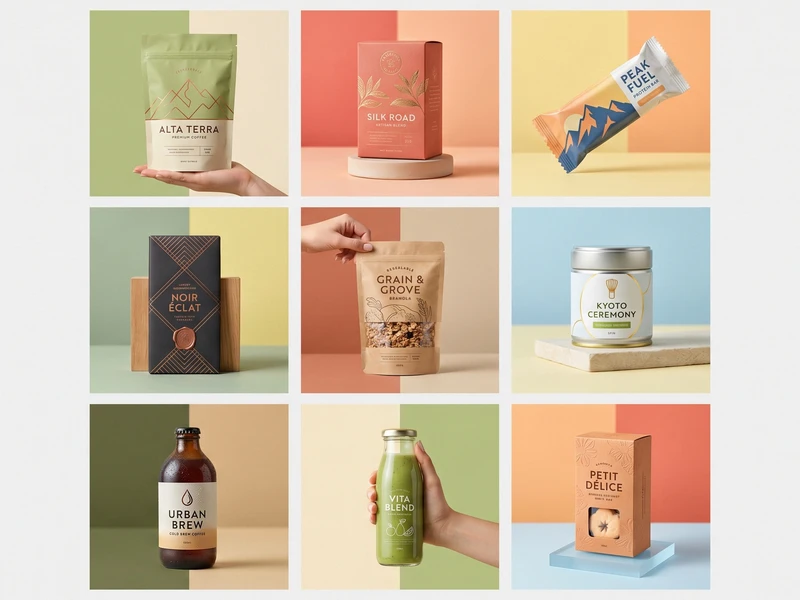
- Use the same template across your products. Lume keeps lighting, angle, and background consistent so your entire menu or catalog looks professionally shot together.
- Can I show products in lifestyle or table settings?
- Yes! We offer lifestyle templates that place your food and drinks in context, on rustic tables, café settings, or styled with complementary props.
- What image quality can I expect?
- Lume generates high-resolution images suitable for menus, e-commerce platforms, print, and social media. Export as PNG or JPG at 1K, 2K or 4K: a square image is 1024, 2048 or 4096 pixels wide, costing 1, 2 or 3 credits. Pick the aspect ratio for each channel, from square for listings to 4:5 and 9:16 for social and 16:9 for ads (1K square is on every plan, 2K and social shapes from Pro, 4K from Business, ad shapes from Growth).