
Videos Beta
Turn a product photo into a short video
Pick a camera move and Lume renders a clip of a few seconds with sound, wide for your store page or vertical for Reels and TikTok. No footage, no editor, no reshoot.
Videos is in Beta on the web. 720p from Pro, 1080p from Business, 4K from Growth.
How it works
Four choices, one Apply. The price is on the button before you spend anything.
- 1
Press Make video on a photo
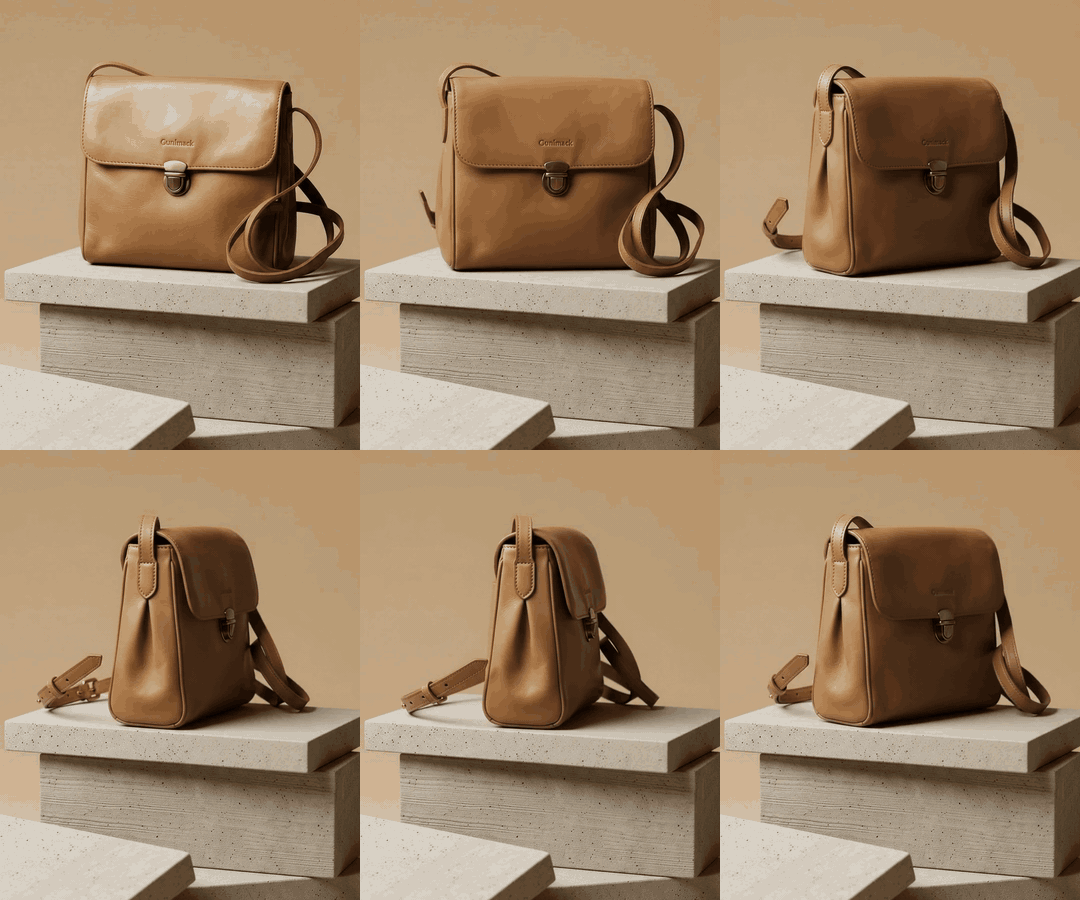
Any photo in your gallery works: one Lume generated or one you uploaded. Make video is on the gallery card, in the full-size view and in Refine, and opens Videos with the photo in place.
- 2
Pick a move
Camera moves like Slow Orbit, Dolly In, Pull Back and Gentle Pan, or ambient life like Rising Steam, Falling Petals and Golden Hour. Each move shows a preview.
- 3
Choose the frame and the size
16:9 for a store page or YouTube, 9:16 for Reels, TikTok and Stories. Then 720p, 1080p or 4K, by plan. The price shows on the Make video button before you commit.
- 4
Make the video, then download the MP4
The clip renders in a minute or two and lands in the same gallery card as the photo. Download it as an MP4 with the sound included.
Sizes, plans and credits
Three sizes. The plan sets which ones you can pick; the size sets the price. A six-second clip costs 13, 19 or 38 credits at 720p, 1080p or 4K.
| Size | Available from | Six-second clip | Good for |
|---|---|---|---|
| 720p | Pro | 13 credits | Reels, TikTok, Stories, product-page loops |
| 1080p | Business | 19 credits | Store pages, YouTube, paid social |
| 4K | Growth | 38 credits | Big screens, campaign hero video, broadcast-ready cuts |
16:9 or 9:16
Wide for the store page and YouTube, vertical for Reels, TikTok and Stories. Pick the frame before the size.
With sound
Every clip is rendered with sound that fits the scene. Keep it, or mute it and lay your own track over the MP4.
Not refundable
Videos and Refine edits are final; credit protection covers image generation only. Try a new move at 720p first.
Where a six-second clip earns its keep
Reels and TikTok
A 9:16 clip of the product with a slow move and ambient sound is the post that stops the scroll. Six seconds is the length that loops well.
The store page
A 16:9 clip above the fold shows the product in the round where a still cannot. Shopify, WooCommerce and most page builders accept an MP4 as a section.
Ads and email
Paid social wants motion. Make the still with a template, then make a video from it, and the ad and the listing match.
Step by step: how to turn a product photo into a video · Edit the photo first: Refine
Questions about product video
How long is the video?
A few seconds: the length is set by the move you pick, six seconds today, and loops cleanly. Lume does not make long brand films or interactive 360 viewers; it makes the short clip that a store page, a Reel or an ad slot needs.
What does a video cost?
A six-second clip from your photo costs 13 credits at 720p, 19 credits at 1080p and 38 credits at 4K. The price is shown on the Make video button before you commit, and it comes out of the same credit balance as photos.
Which plan do I need?
720p is available from Pro, 1080p from Business, and 4K from Growth and Studio. Free accounts can make photos and use Refine, but not videos.
Does the video have sound?
Yes. Every clip is rendered with sound that matches the scene: room tone, a soft whoosh on a camera move, the fizz of a drink. Mute it in your editor if you are laying your own track over it.
Can I get the credits back if the clip is not what I wanted?
No. Videos are not refundable, and neither are Refine edits; credit protection covers image generation only. Check the move preview before you make the video, and start at 720p when you are trying a move for the first time.
Can I start from the product instead of a finished photo?
Yes. Videos also has scenarios that start with your product: Lume builds the scene around it, then films it, for example a gift box opening, a cloth pulled away or a glass dome lifting off the product. They cost from 13 credits at 720p, because the scene is rendered first.
Which photos work best?
A finished product photo with a clear subject and some depth in the scene: a template render, a cut-out placed in a scene, or a clean studio shot. Very busy backgrounds and photos with text overlays give the move less to work with.
Your first product video, from the photo you already have
Make the still with a free account, then make a video from it on Pro or above. The clip lands next to the photo, ready to post.
Last checked: 2026-11-10